Sonix IPTV Canada: What You Should Know Before You Subscribe
Sonix IPTV Canada markets itself as a feature-packed IPTV service for Canadian viewers, promising thousands of live channels, a massive VOD library, and multi-device streaming. Before you hand over payment, here is a practical breakdown of what Sonix actually offers, where the gaps are, and how to protect yourself as a consumer.
Quick Overview of Sonix IPTV Canada
Sonix IPTV Canada is an IPTV provider that sells subscription-based access to live TV, on-demand movies and series, and PPV events. The service is marketed primarily to Canadian audiences, with pricing displayed in CAD and references to Canadian content alongside international programming. According to its own websites, Sonix IPTV offers over 45,000 live channels and includes 140,000 on-demand movies and series, with support for HD and 4K streaming on compatible devices.
BestIPTV.blog is an independent IPTV education and comparison site. We do not own, operate, or resell Sonix IPTV Canada or any other IPTV service. This guide is for information and comparison only.
One important detail to flag early: multiple websites use the Sonix IPTV name, advertising differing channel counts and prices. Some Sonix-branded pages claim 45,000+ live channels, while others reference 80,000+ or even higher numbers. This inconsistency makes it essential to verify current details directly on the specific Sonix site you are considering. IPTV services frequently change plans, apps, and availability without prominent notice.
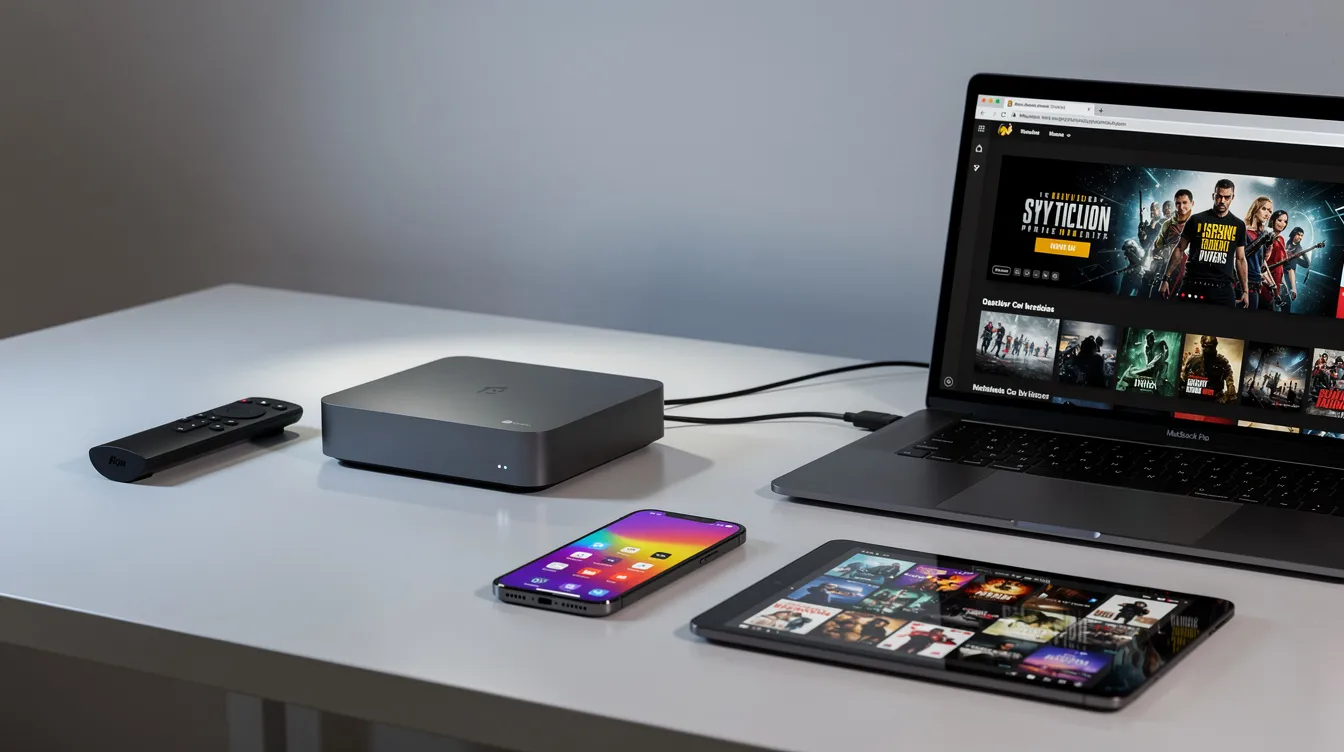
Compatible devices include Fire Stick, smart TVs, and Android TV. Sonix IPTV also works on iPhone, iPad, and Android devices. The service supports 1 to 6 device connections depending on the plan purchased.
At a glance:
-
Claimed live channels: 45,000+ (some Sonix sites advertise 80,000+)
-
VOD library: 140,000+ movies and series claimed
-
Streaming quality: Up to 4K on supported devices
-
Device support: Fire Stick, Android TV, smart TVs, Apple devices, Windows, Mac
-
Connections: 1–6 simultaneous streams per account
-
Pricing: Starts at $19.99 CAD/month
-
Risks: New domain, polarized user reviews, inconsistent branding across sites

How Sonix IPTV Canada Positions Its IPTV Service
Sonix IPTV Canada presents itself as a full-featured IPTV provider for the IPTV Canada market, offering subscription plans, reseller options, and multi-device streaming. The Canadian-facing site displays pricing in CAD and references Canadian provinces, while broader Sonix IPTV marketing materials make claims like 80,000+ live channels in HD and 4K, anti-freeze technology, and instant access after payment.
The core promises include fast digital activation – users can activate their subscription in under five minutes, according to provider claims – along with multi-device access for up to 6 connections, a massive library of live and on-demand content, and buffer free streaming powered by what Sonix describes as anti-freeze technology. Sonix IPTV supports 4K streaming on compatible devices, provided your internet connection and hardware can handle it. The service uses adaptive bitrate streaming principles to adjust stream quality based on available bandwidth, though “zero buffering” marketing should always be treated with caution.
These are provider claims, not independently tested figures. No public evidence of licensing agreements with Canadian broadcasters or international rights holders appears on any Sonix IPTV website. Readers should treat any huge channel counts or performance guarantees as marketing rather than verified fact.
Main advertised features:
-
Internet protocol television delivery (live TV and VOD over broadband)
-
HD streaming and 4K where device and internet speed allow
-
M3U playlist and Xtream Codes credential-based access
-
Electronic Program Guide (EPG) for navigating live channels
-
Multi-device, multi-screen simultaneous streaming
Plans, Durations, and Multi-Device Connections in Canada
Sonix IPTV Canada structures its plans around two variables: subscription duration and number of simultaneous device connections. A “connection” means one active IPTV stream at a time – not the number of devices with the IPTV app installed. If you have the app on five devices but only watch on one at a time, a single-connection plan covers that.
For practical context: a single viewer watching live sports on one smart TV needs one connection. A family streaming on a Samsung TV in the living room, an Android box in the bedroom, and a phone on the go would need three connections running simultaneously under one subscription.
Longer Sonix IPTV plans lower the per-month cost but increase risk. If service quality declines or the provider disappears, you lose the remaining balance. Starting with the shortest plan and upgrading later is generally the safer approach. Annual plans provide the highest value with a bonus month free, but that only matters if the service remains reliable for 12+ months.
Match your Sonix IPTV plan to realistic daily use. Most households do not need six connections, and overbuying wastes money.
|
Duration |
Price (CAD, 1 connection) |
Per-Month Cost (approx.) |
|---|---|---|
|
1 month |
$19.99 |
$19.99 |
|
3 months |
$29.99 |
~$10.00 |
|
6 months |
$49.99 |
~$8.33 |
|
12 months |
$79.99 |
~$6.67 |
Prices shown are for a single-connection Sonix IPTV subscription as published on sonixiptv.ca. Multi-connection plans cost more. Confirm current pricing directly with the provider before purchasing.
Where You Can Use Sonix IPTV Canada: Devices and Platforms
Sonix IPTV Canada claims broad device compatibility. Rather than offering a single proprietary IPTV app, Sonix typically provides login credentials – a username, password, and server URL – that work with widely available IPTV player app options. This gives users flexibility but also means your experience depends heavily on which app you choose and whether your device supports it.
Setup guides are provided for each supported device, according to Sonix’s documentation. Sonix IPTV can also be accessed on Windows and Mac computers using a web player (Windows) or compatible media player.
Devices by category:
-
TV-first devices: Samsung and LG smart TVs (Tizen, webOS), Android TV (Sony, TCL, Hisense, etc.)
-
Streaming sticks: Amazon Fire Stick, Chromecast, NVIDIA Shield
-
Dedicated IPTV boxes: MAG boxes, Formuler, Android TV boxes, Android box units
-
Mobile devices: iPhone, iPad, Android phones, tablets
-
Computers: Windows and Mac via web player or desktop IPTV app
Before purchasing a Sonix IPTV Canada plan, confirm your exact model of device – whether it is a smart TV, Android TV box, or streaming stick – can run an up-to-date IPTV player app from its app store. Older hardware or discontinued app-store models may not support the apps Sonix credentials require.
Setting Up Sonix IPTV Canada on Popular Devices
Users receive setup guides via email immediately after payment, and Sonix IPTV provides setup-focused support after activation. Below are high-level flows for each major platform. Always follow the official setup instructions Sonix emails you, and never share your login details publicly.
Amazon Fire Stick:
-
Open the Amazon Appstore or use the Downloader app to sideload an IPTV player app (IPTV Smarters Pro, TiviMate, or similar).
-
Launch the app and select the Xtream Codes or M3U login method.
-
Enter your Sonix IPTV credentials (server URL, username, password).
-
Test a few HD streaming channels before exploring the full channel list.
Android TV / Android box:
-
Install an IPTV player app from Google Play (IPTV Smarters, TiviMate, XCIPTV).
-
Enter your Sonix IPTV Canada login credentials.
-
Allow the EPG and channel list to load fully before judging performance.
Samsung / LG Smart TV:
-
Open your TV’s built-in app store and search for a supported IPTV app (Smart IPTV, IBO Player, or similar).
-
Some apps require your TV’s MAC address for activation – follow the on-screen instructions.
-
Enter the portal URL or Xtream Codes details from Sonix.
iPhone, iPad, and mobile devices:
-
Download a compatible IPTV player app from the App Store or Google Play.
-
Enter your Sonix IPTV login details.
-
Keep the app updated to avoid playback bugs; note that Android offline mode is not a standard IPTV feature since streams require a live internet connection.
Windows / Mac:
-
Use a web player (Windows) or install VLC, IPTV Smarters, or another desktop IPTV app.
-
Load your M3U playlist or enter Xtream Codes credentials.
-
Adjust stream quality settings based on your display and internet speed.
If you encounter a setup question, Sonix’s support documentation and activation emails should be your first reference.
Internet Connection and Streaming Quality for IPTV Canada
Your internet connection is the single biggest factor in IPTV streaming quality – more important than the provider’s server or the app you use. Sonix IPTV Canada, like every IPTV service, depends entirely on your household broadband to deliver smooth playback.
Speed guidelines for IPTV streaming:
-
4K streaming requires a minimum of 25 Mbps dedicated to the stream.
-
HD streaming needs at least 10–15 Mbps for smooth playback.
-
SD content can work on lower speeds but is less common with modern services.
High-bandwidth streaming requires a stable, high-speed internet connection. Stable connections are crucial for uninterrupted streaming quality – it is not just about peak speed, but consistency. A connection that fluctuates between 5 Mbps and 50 Mbps will produce more buffering than a steady 20 Mbps line.
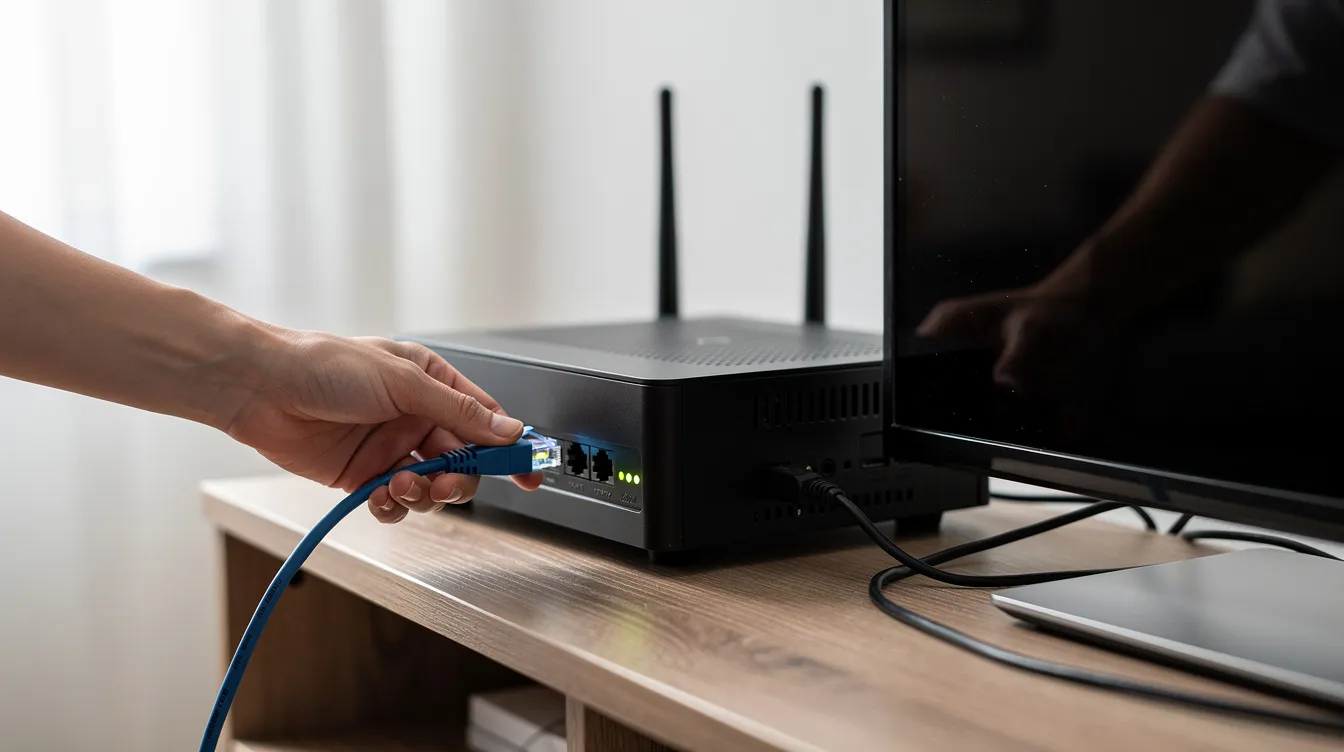
Ethernet consistently outperforms Wi-Fi for IPTV on Android TV, Android box, and smart TV devices. Interior walls, wireless interference from neighbors, and concurrent household usage (gaming, large downloads, 4K Netflix on another TV) all degrade Wi-Fi performance. If your router is in another room, consider a powerline adapter or mesh Wi-Fi system.
Stream reliability varies for IPTV services, especially during peak hours. IPTV services may experience severe congestion, lag, or blackouts during high-demand events like major hockey games or PPV boxing. This is an industry-wide issue, not specific to Sonix.
Connection tips for Canadian IPTV users:
-
Use Ethernet instead of Wi-Fi whenever possible
-
Reboot your router before troubleshooting buffering
-
Test your internet speed on another device to rule out ISP issues
-
Try a different IPTV app to see if the problem is app-specific
-
Lower the stream resolution temporarily during peak evening hours
-
Close bandwidth-heavy apps on other devices in your household
Support, Refunds, and Limitations: Reading Sonix IPTV Canada’s Policies
Sonix IPTV offers 24/7 customer support via email and Telegram. Support requests are separated by type for better response routing – plan questions, technical issues, reseller inquiries, and trial requests each have distinct forms. The provider claims an average response time for support inquiries of under five minutes, though independent user reports suggest this varies significantly.
Sonix IPTV offers a 7-day money-back guarantee according to its FAQ. However, at least one independent source reported the active refund window may have been shortened to three days in early 2026 without prominent communication. Digital activation may reduce refund eligibility, and requests are typically reviewed case by case. Users may be asked to complete troubleshooting steps or provide screenshots and device information before a refund is processed.
Sonix IPTV Canada support typically covers activation guidance, IPTV app direction, and basic troubleshooting. It does not extend to repairing your devices, routers, or resolving third-party app or platform outages.
Before paying, make sure to:
-
Read the full terms, refund policy, and privacy policy on sonixiptv.ca
-
Keep copies of your order confirmation and any receipts
-
Note which support channels (email, Telegram) are available and save the contact details
-
Use the official support forms for billing or service quality issues rather than informal chat
-
Understand that user data submitted via forms (name, email, phone, selected plan, device details) is stored for support and billing purposes
Reputation, User Experiences, and Common Complaints
Public commentary about Sonix IPTV is polarized. Some IPTV users report smooth HD streaming, a large selection of live channels and international channels, and responsive support. Others describe dead streams, VOD titles that will not load, URLs that change without notice, and support that goes silent after initial activation.
IPTV providers often receive polarized reviews because networks, devices, and IPTV player app setups vary widely from one household to another. A user with a wired connection and a current Android TV box may have a completely different experience from someone on aging Wi-Fi with a budget Fire Stick.
Sonix IPTV claims its content library includes international programming across 100+ countries, with 5,000+ PPV channels at no extra cost and a massive VOD library that updates daily. These are provider claims. BestIPTV.blog has not independently tested Sonix IPTV Canada’s channel reliability, VOD load rates, or server performance. All service quality impressions in this section come from user reports or provider marketing, not verified testing.
The provider’s Canadian-facing domain (sonixiptv.ca) was registered in early 2026, which means the track record in Canada is still short. One third-party trust assessment scored the site approximately 36.7 out of 100, flagging it as “questionable” based on domain age and redacted registration details.
Due-diligence steps before subscribing:
-
Search for recent, specific Sonix IPTV reviews from the past three to six months
-
Test whether their support channels (email, Telegram) actually respond before paying for a long plan
-
Start with the shortest available IPTV subscription to evaluate stream quality, viewing habits, and channel reliability firsthand
-
Ask the support team direct questions about content you care about (specific sports leagues, premium content, international content) before committing

How Sonix IPTV Canada Compares to Other IPTV Providers
When comparing any IPTV service – Sonix or otherwise – focus on reliability and transparency rather than raw channel counts. Many IPTV providers make similar claims about tens of thousands of live channels and hundreds of thousands of on-demand titles. The real differentiators are whether those channels actually work, whether support responds when they do not, and whether the provider’s policies protect you as a consumer.
Key comparison criteria for Canadian readers:
|
Criteria |
What to Look For |
|---|---|
|
Content variety |
Local Canadian channels, live sports, international channels, PPV events |
|
Stream quality |
Consistent HD/4K without frequent buffering during peak hours |
|
Transparent pricing |
All costs visible upfront, no hidden fees, clear renewal terms |
|
Device support |
Works on your specific supported device with a reliable IPTV app |
|
Refund terms |
Clear policy with a reasonable window, enforced as stated |
|
Support |
Multiple contact methods, reasonable response times, actual problem resolution |
|
Track record |
How long the provider has operated; longevity suggests stability |
|
Payment safety |
Accepts standard payment methods (Google Pay, Apple Pay, credit card); many unverified IPTV vendors request unconventional payment methods, exposing buyers to fraud |
BestIPTV.blog covers multiple IPTV services and publishes independent explainers and comparisons. Where we feature providers like GreatestIPTV or StrimoIPTV, affiliate relationships are always clearly disclosed. Major Canadian internet service providers may block unverified streaming sources, and consumer protections for IPTV are often limited compared to mainstream subscription platforms. Legal gray-market IPTV services operate outside standard content-distribution frameworks, which is another reason to evaluate providers carefully.
Safer, More Informed IPTV Use in Canada
In Canada, IPTV technology is completely legal. Streaming television over the internet is not inherently illegal in Canada. The legal and consumer-protection questions center on whether a specific IPTV service holds appropriate licensing agreements for the channels and programming it distributes. IPTV services operate outside traditional regulated broadcasting frameworks in Canada, which means the usual consumer safeguards you expect from a cable provider may not apply.
Users commonly utilize a VPN to prevent ISP throttling of IPTV streams – this is a personal choice, not a requirement. Choose IPTV services with realistic marketing, clear terms, and transparent support. Avoid providers promising “everything free forever” or “100% guaranteed uptime” without credible evidence behind those claims.
Before you subscribe to Sonix IPTV Canada or any IPTV provider:
-
Confirm your devices (smart TV, Android TV, Android box, Fire Stick, mobile devices) can run a modern IPTV app
-
Test your internet speed and connection stability – remember that watching on multiple screens simultaneously multiplies bandwidth needs
-
Read the terms of service, privacy policy, and refund policy in full before paying
-
Start with the shortest practical plan to evaluate entertainment value, on-demand content quality, and whether you can start streaming and start watching without persistent issues
-
Keep expectations flexible – no IPTV provider, including Sonix, can guarantee the same experience as physical infrastructure-based cable or satellite
-
Accept only standard payment methods and keep transaction records for every subscription purchase
-
If a provider offers instant access to premium content and every live sport imaginable with no clear licensing information, treat those claims with appropriate skepticism
Sonix IPTV Canada may suit some viewing habits and budgets, but the service carries real unknowns – from inconsistent branding across multiple Sonix websites to a short operational track record in Canada. Start short, test thoroughly, and keep records of every transaction. BestIPTV.blog is here to help you navigate these decisions with clear, practical information rather than hype.
Service information
Promotional links: If you are considering an IPTV service, review current information from GreatestIPTV or StrimoIPTV. Confirm availability, device compatibility and terms directly with the provider before choosing a service. These links are promotional, not an independent recommendation or verification of the provider.
Leave a Reply