Sky Glass IPTV: How UK Viewers Really Use Glass for Live TV and Streaming
If you own a Sky Glass TV and keep seeing the phrase “Sky Glass IPTV” online, you are not alone. Thousands of UK customers search for it every month, and the answers they find range from helpful to wildly misleading. This guide breaks down what the term actually means, how the setup works in practice, and what you should check before paying for anything.
Sky Glass IPTV in a Nutshell for 2026 UK Viewers
Let’s clear something up straight away. “Sky Glass IPTV” is not an official product sold by Sky UK Limited. It is a shorthand that people use when they talk about watching IPTV services on a Sky Glass television. Sky Glass is the hardware – a 4K smart TV that delivers Sky’s own live TV, apps, and on demand content over broadband. An IPTV subscription is a separate service, with its own account and login, that streams live channels, movies, and TV series over the internet to a compatible app or device.
The two are independent. Your Sky account has nothing to do with your IPTV provider, and cancelling one does not cancel the other. Sky Glass IPTV supports HD and 4K streaming when the provider’s feed and your broadband allow it, and many providers offer a 24-hour trial for new users so you can test before purchasing a full plan. The setup is designed with UK viewers in mind, often featuring local content, regional feeds, and popular sports programming.
BestIPTV.blog is an independent education and comparison site. We are not owned by Sky or any IPTV provider. Always confirm that any service you subscribe to holds the proper distribution rights for the channels it offers.
Here is what UK readers most want to know:
-
Does IPTV work on Sky Glass? Yes, but usually through an external HDMI device like a Fire TV Stick rather than a native app.
-
Do I need a Firestick? In most cases, yes – Sky Glass does not natively support third-party IPTV player apps.
-
What content is typical? Live TV channels, sports (including Sky Sports and TNT Sports feeds where licensed), movies, documentaries, kids content, and on demand libraries.
-
Is it legal? IPTV as a technology is legal; streaming unlicensed content is not. Check provider licensing.
What “Sky Glass IPTV” Actually Means (Glass TV vs IPTV Services)
The confusion around Glass IPTV comes from mixing up a television set with a streaming subscription. Here is the difference in plain English:
-
Sky Glass – A 4K smart TV manufactured for Sky UK. It runs Sky’s own operating system, delivers live channels and catch-up via broadband, and includes apps like Netflix, BBC iPlayer, and Disney+. No satellite dish needed.
-
IPTV (Internet Protocol Television) – A method of delivering TV over the internet. Providers supply login credentials or a playlist URL that you load into a compatible app to access live channels, VOD, and an electronic programme guide.
-
“Glass IPTV” or “Sky Glass IPTV 4K” – Marketing phrases used by third-party sellers. These are not Sky products. Treat any site using these terms as an independent reseller and verify its claims carefully.
Key things to remember:
-
An IPTV subscription’s credentials are completely independent of any Sky contract.
-
Cancelling Sky does not cancel your IPTV service, and vice versa.
-
Searching for “Glass IPTV” often surfaces reseller pages with exaggerated channel counts or branding that implies a Sky endorsement. It has none.
How Sky Glass Works for Live TV, On Demand and Apps
Before layering IPTV on top, it helps to understand what Sky Glass does out of the box.
-
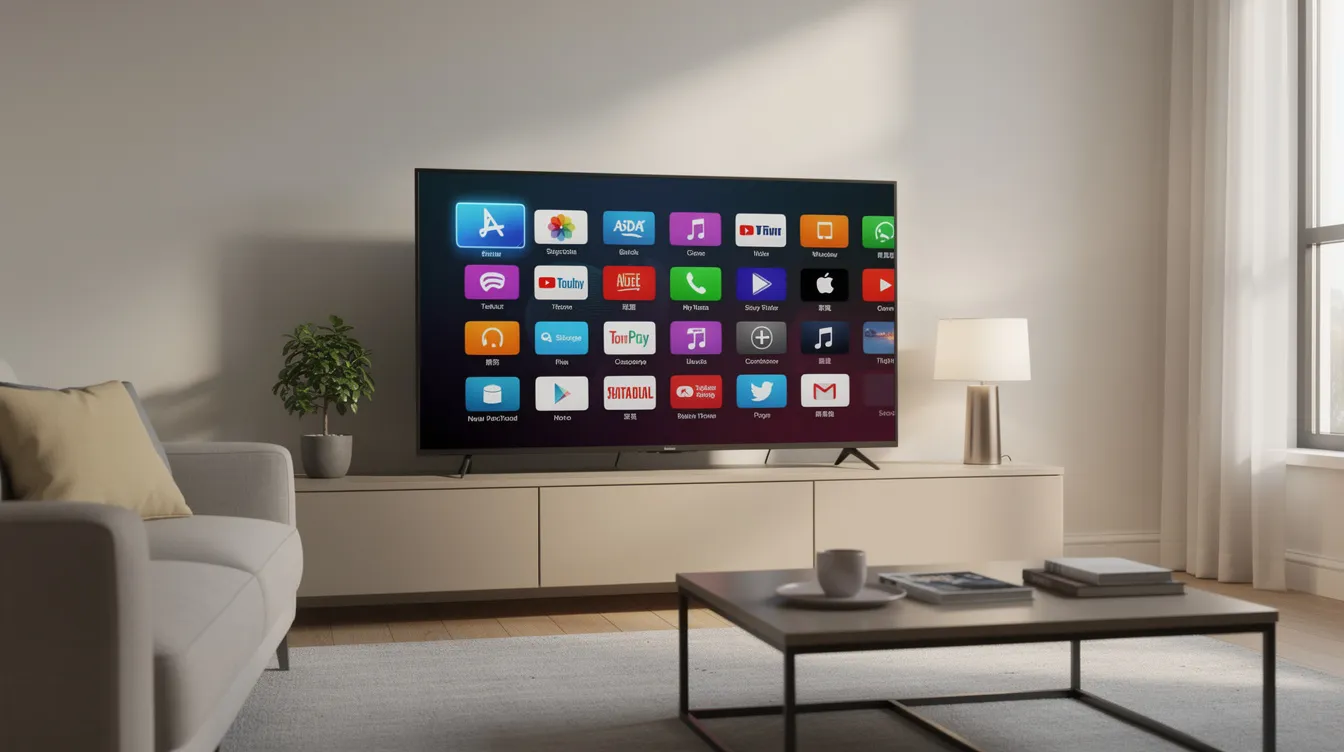
Connection: Sky Glass connects to your home network via Wi-Fi or Ethernet. There is no dish to install, which simplifies installation by removing the need for external equipment and reduces hardware clutter in the home.
-
Interface: The Sky remote includes built-in microphones for voice control functionality, so you can search for titles or switch between live channels and apps by speaking. Sky Glass offers a unified electronic programme guide for integrated viewing across Sky’s own channels and partner apps.
-
Recording alternative: Instead of a traditional hard-drive DVR, Sky Glass uses a cloud-based Playlist feature. This personalised viewing system lets you add programmes to a Playlist and stream them on demand rather than scheduling recordings.
-
Apps: Out of the box, UK customers can access BBC iPlayer, ITVX, Channel 4, My5, STV Player, Netflix, Prime Video, Disney+, Paramount+, Apple TV, Discovery+, and more – all within Sky’s curated store.
-
Picture and sound: The screen supports Ultra HD resolution with HDR, and a built-in soundbar handles audio. Picture quality depends on the app and your broadband speed.
-
Multi-room: Sky Glass allows multi-room setups using companion devices called Sky Stream pucks, so other rooms can access the same content without a second full TV.
-
Freeview backup: Sky Glass includes a backup aerial port for basic Freeview channels, useful if broadband drops out.
-
Flexibility: Compared to traditional satellite broadcasting, Sky Glass offers greater flexibility and personalization – you browse, search, and build watchlists rather than flipping through a linear programme guide.
Potential drawbacks of Sky Glass include reliance on broadband and ongoing subscription costs for Sky’s own packages.
Two Main Ways to Use IPTV on a Sky Glass TV
Once you understand how the Glass TV works natively, the next question is how to add a separate IPTV subscription. In 2026, UK viewers have two realistic paths:
|
Path A: Native App |
Path B: HDMI Device |
|
|---|---|---|
|
Setup speed |
Quick if app is available |
Five minutes to plug in and configure |
|
App choice |
Very limited on Sky Glass OS |
Wide selection on Fire OS / Android TV |
|
Maintenance |
Subject to Sky firmware updates |
You control device updates independently |
|
Picture quality |
Depends on OS codec support |
Typically better – dedicated hardware decoding |
|
Reliability |
Variable; app may disappear after update |
Consistent; device is under your control |
Most UK viewers end up choosing Path B because it is more dependable and offers far more compatible app options. Firmware behaviour and sideloading possibilities can change with Sky Glass updates, so what works today may not be identical next year.
Path A: Trying IPTV Player Apps Directly on Sky Glass
This route is appealing because it avoids extra hardware, but it comes with significant limitations.
Sky Glass runs a locked-down operating system. Unlike a generic Android TV, it does not allow sideloading APK files or installing apps outside Sky’s curated store. That means popular IPTV players like IPTV Smarters Pro or TiviMate are typically unavailable natively. Sky Glass IPTV requires a compatible app for installation, and if the store does not list one, you are stuck.
Here is a quick checklist if you want to try:
-
Search the app store. Open the Sky Glass apps section and look for any IPTV player that accepts M3U or Xtream Codes credentials.
-
Verify the player type. Confirm it supports the login format your IPTV provider uses (Xtream Codes API or M3U URL).
-
Avoid unknown APKs. Do not download APK files from random websites. The risks include malware, credential theft, and privacy exposure.
-
Test playback. Even if a player installs, codec limitations or DRM policies on the Glass OS may block certain streams. Test live TV and VOD during peak hours to check.
-
Accept the limitation. If no compatible app is available, move to Path B.
Path B: Using a Firestick or Other HDMI Device with Sky Glass
For most UK viewers, an external streaming device is the most reliable way to run Glass IPTV in 2026. A Fire TV Stick can be used as a fallback for Sky Glass IPTV when native apps are unavailable – and in practice, it is usually the primary method.
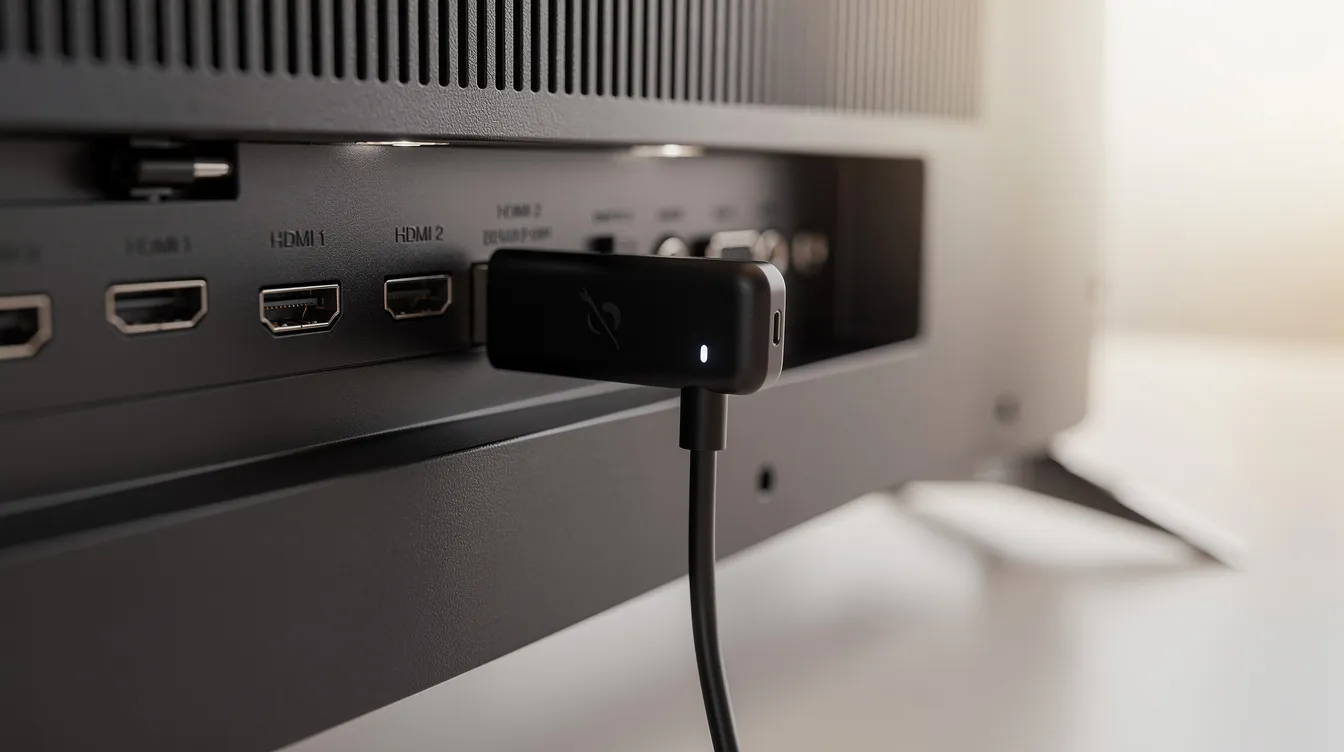
Why this works well: the Firestick or Android TV box has its own app store, its own hardware decoder for HD and Ultra HD streams, and you control its firmware updates independently of Sky.
Follow this setup sequence:
-
Step 1: Plug in the stick. Connect an Amazon Fire TV Stick 4K (or 4K Max, or an Android TV box) to one of the Sky Glass HDMI ports.
-
Step 2: Switch input. Use the Sky remote or the device remote to select the correct HDMI input on your Glass screen.
-
Step 3: Sign in and connect. Set up the stick with your Amazon or Google account. Connect it to your home Wi-Fi (or use an Ethernet adapter for better stability).
-
Step 4: Install an IPTV player. From the device’s own store, install a compatible app such as IPTV Smarters, TiviMate, or XCIPTV. Users can install IPTV players on compatible devices through these stores without sideloading.
-
Step 5: Add your subscription details. Enter the Xtream Codes server URL, username, and password – or load an M3U playlist link – supplied by your IPTV provider.
-
Step 6: Browse and test. Browse through categories, check the EPG, and test live channels and on demand content during a busy evening.
The Sky remote can usually control volume and power over HDMI-CEC, but for in-app navigation most users find the Firestick remote more responsive.
Adding Your IPTV Subscription: Live Channels, Sports and VOD
Once your player app is running, you need an active IPTV subscription to load content. Here is how the process works in simple terms.
Your chosen provider gives you one of two things:
-
Xtream Codes credentials – a server URL, a username, and a password. Installation may require adding an Xtream Codes or M3U URL into the player’s login screen.
-
M3U / M3U8 playlist link – a single URL that the app uses to pull in the full channel list and EPG.
Once loaded, the app organises content into categories you can browse: live TV, sports, movies, TV series, documentaries, kids, and news. Sky Glass IPTV provides access to live TV and on demand content across these categories, and the service features a well-organized channel selection for easy navigation.
Common content UK viewers look for:
-
UK live channels – BBC, ITV, Channel 4, STV regional feeds
-
Sports – Sky Sports, TNT Sports, coverage of big matches like Premier League and UFC fixtures, and international leagues
-
Entertainment and movies – thousands of titles for unlimited entertainment across genres
-
On demand – viewers can access on demand movies and TV series anytime, separate from the live schedule
Channel counts, TNT Sports availability, and specific league coverage vary between providers and can shift as distribution rights change. Always test during high-demand periods. A Saturday 3pm kick-off or Champions League midweek evening will tell you more about a provider’s capacity than a quiet Tuesday morning.
Picture Quality, Ultra HD and Network Requirements on Sky Glass
Sky Glass supports Ultra HD resolution, but actual picture quality on an IPTV feed depends on three things: the provider’s stream bitrate, the player app’s codec handling, and your internet connection.
Here are realistic broadband guidelines for IPTV in the UK:
|
Stream Quality |
Minimum Speed Needed |
|---|---|
|
SD |
~5 Mbps |
|
HD (720p–1080p) |
15–20 Mbps |
|
Full HD (1080p 50fps) |
20–25 Mbps |
|
4K / Ultra HD / HDR |
25–30+ Mbps |
Sky recommends a minimum broadband speed of 25 Mbps for HD/4K streaming. The service supports HD and 4K streaming for compatible content, but “4K” on some IPTV providers turns out to be upscaled HD rather than true UHD – so manage expectations.
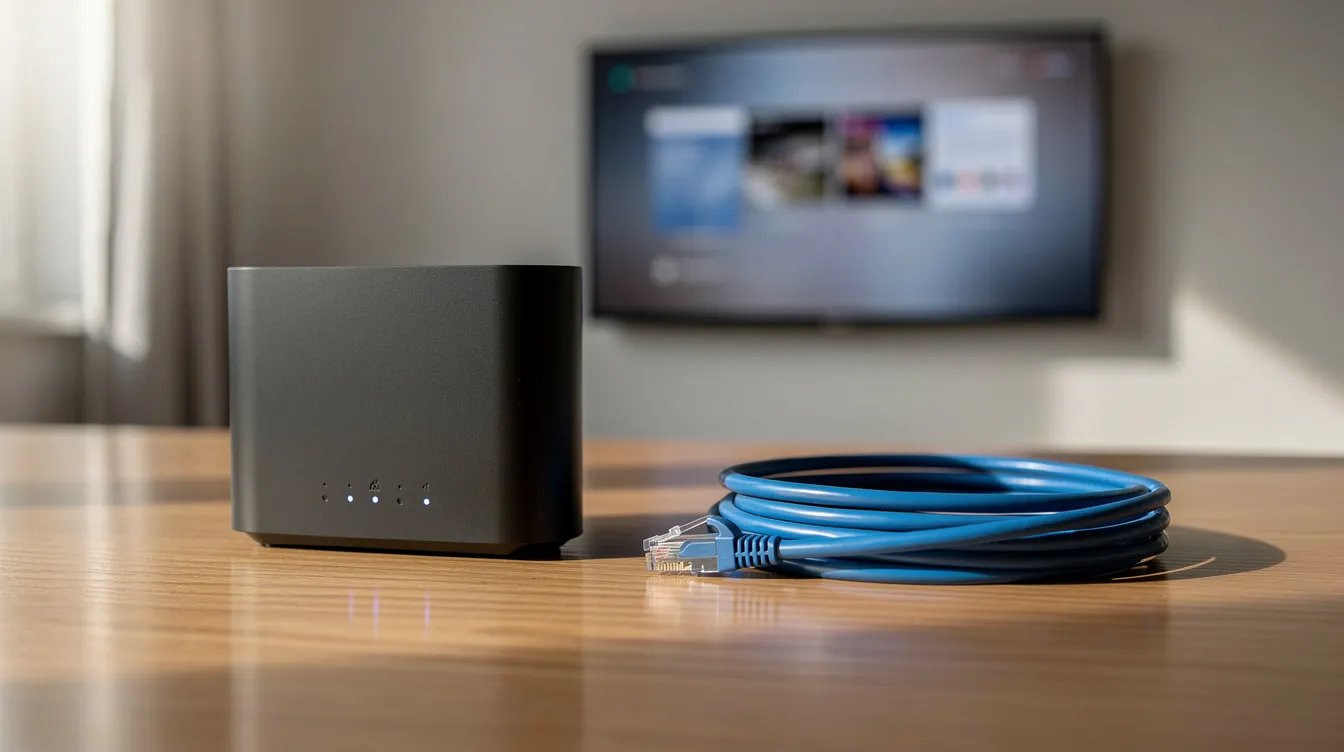
Ethernet connections improve streaming stability for IPTV services. If BBC iPlayer looks sharp on your Glass but the IPTV sports feed looks soft or buffers, the bottleneck is almost certainly the IPTV provider or your Wi-Fi, not the TV panel.
Quick troubleshooting:
-
Test several different channels to isolate whether the issue is one stream or all.
-
Check if other devices in the household are saturating your broadband.
-
Switch from Wi-Fi to a wired Ethernet connection, or at minimum use the 5 GHz band.
-
Restart your router, the Firestick or box, and the IPTV player app.
Sky Glass IPTV requires a reliable internet connection for streaming – without consistent throughput, even HD content will stutter.
Device Compatibility Beyond Glass: Where Else Your IPTV Subscription Works
Most IPTV subscriptions are not locked to one screen. The same login details can usually be used on multiple compatible devices, within whatever simultaneous connection limit the provider sets.
Common device types UK viewers use alongside Sky Glass:
-
Fire TV Stick and Fire TV Cube – the most popular choice for IPTV in the UK
-
Android TV boxes and sticks – wide app support, flexible sideloading
-
Samsung and LG smart TVs – some IPTV apps available natively, though selection varies
-
Apple TV – fewer IPTV player apps, but casting via AirPlay is an option
-
iPhone, iPad, Android phones and tablets – Sky Glass IPTV can be accessed on smartphones and tablets through dedicated player apps
-
Windows and Mac computers – VLC, IPTV player desktop apps
Sky Glass IPTV supports various smart TVs and devices, so you are not limited to watching on the Glass screen alone. Sky Glass IPTV allows streaming on various compatible devices as long as you stay within your provider’s connection rules.
Before sharing credentials across several devices in one household, confirm how many simultaneous streams your plan includes and whether extra connections cost more.
Choosing and Testing an IPTV Subscription for Sky Glass
Picking a provider is the most important decision in the whole process. Here is a neutral checklist of criteria to evaluate before paying:
-
Content you care about: Does the provider cover the live TV categories, sports leagues, and on demand library that matter to you?
-
Ultra HD availability: Are 4K streams genuinely available, or is “4K” just a marketing label?
-
Device support: Which devices and player apps does the provider officially support? Compatible devices include Fire TV Stick and Android TV, but confirm specifics.
-
Simultaneous connections: How many devices can stream at once under one subscription?
-
Trial and refund terms: A 24-hour trial is available before purchasing a subscription with many providers. Users can request a 24-hour trial before committing to a full plan – use it during your normal viewing hours and test big matches or peak-time entertainment.
-
Support responsiveness: Can you reach someone if channels go down during a live event?
Typical pricing you will encounter for IPTV subscriptions in 2026:
|
Plan Length |
Typical Cost |
|---|---|
|
1 month |
£12 |
|
3 months |
£20 |
|
6 months |
£30 |
|
12 months |
£45 |
Plans often auto renew at the end of each billing cycle, so check cancellation terms before purchasing. BestIPTV.blog compares services such as UK-focused IPTV providers and clearly notes any declared partnerships or affiliate relationships so you understand the context behind any recommendation.
Sky Glass IPTV FAQs for UK Viewers in 2026
Here are direct answers to the questions UK customers ask most often.
Do I need a Sky contract to use IPTV on Sky Glass? No. Your IPTV subscription is entirely separate. The Glass hardware works as a screen for any HDMI input regardless of whether you are paying for a Sky plan.
Can I cancel Sky once IPTV is working? Yes. The Sky Glass set continues to function as a television. You lose access to Sky’s own channels and apps, but you can still watch IPTV through a Firestick or other HDMI device, and you can still use the backup aerial for free Freeview channels.
Does the Sky remote work with Firestick IPTV? Partially. HDMI-CEC lets the Sky remote handle volume and power, but in-app control and switching between categories usually requires the Firestick remote.
Is IPTV legal in the UK? IPTV technology itself is legal, but services must have permission for content distribution. Streaming channels or sports without proper licensing may breach UK law. Sky UK has pursued legal action against unlicensed providers, including court orders to unmask subscribers. Always verify that your provider holds distribution rights.
Do I really need a Firestick for Glass IPTV? For most IPTV subscriptions in 2026, yes. Sky Glass’s locked app store does not list mainstream third-party player apps. An external device like a Fire TV Stick, Android TV box, or even casting from an Apple device is the practical route.
There is no single one-click “Sky Glass IPTV” button. The experience depends on the player app you choose, the quality of your IPTV provider, your broadband speed, and your home network setup. Test thoroughly, confirm licensing details, and make sure the service fits your viewing habits before committing to a long-term plan.
Service information
Promotional links: If you are considering an IPTV service, review current information from GreatestIPTV or StrimoIPTV. Confirm availability, device compatibility and terms directly with the provider before choosing a service. These links are promotional, not an independent recommendation or verification of the provider.
Leave a Reply