IPTV Player App: How to Pick, Set Up, and Use the Best IPTV Players in 2026
Choosing the right IPTV player app can mean the difference between a frustrating streaming experience and one that feels as polished as cable ever did. This guide walks through what IPTV players actually do, how they differ from IPTV services, and which apps work best on Android TV, Google TV, Apple TV, iPhone, iPad, and mobile devices in 2026.
What Is an IPTV Player App?
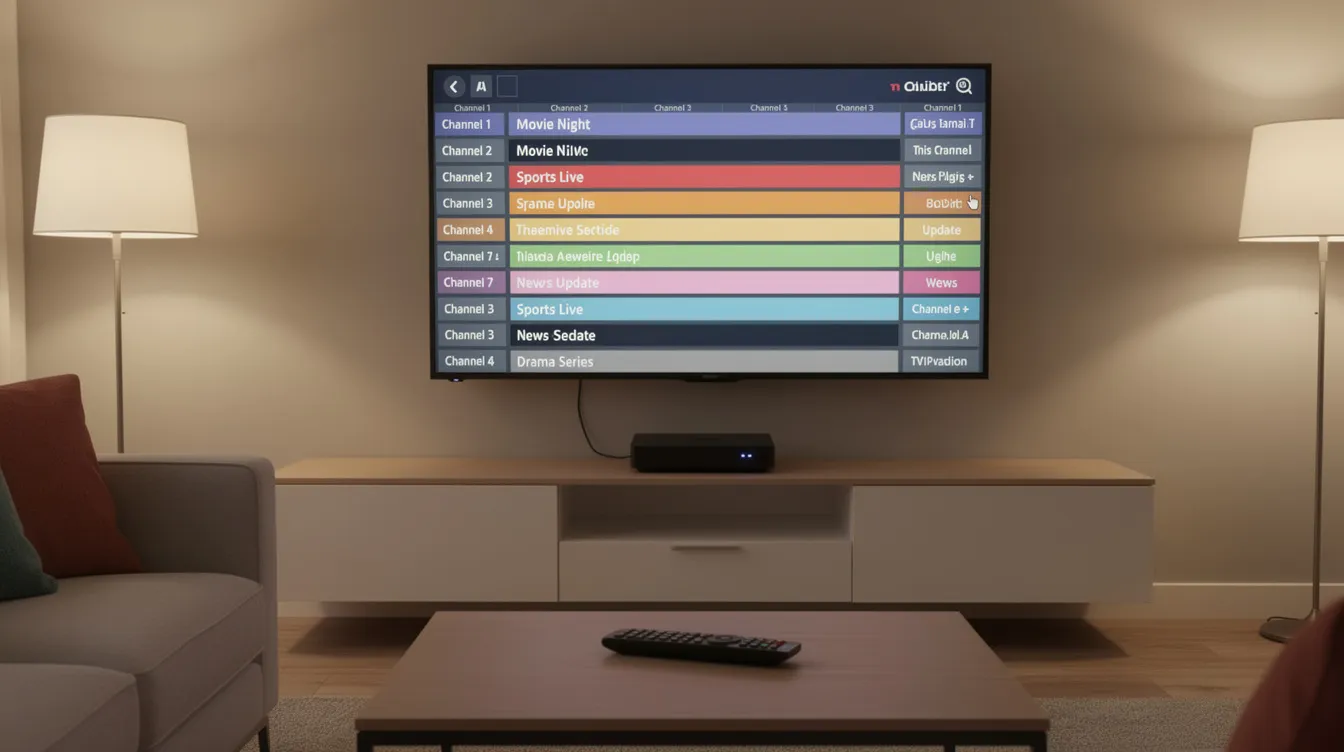
An IPTV player app is software that acts as the interface for streaming live TV, movies, and on-demand content delivered over the internet. Think of it as a media player purpose-built for television: it takes playlists or login credentials you provide and turns them into an organized, navigable TV experience with channels, categories, and program guides.
The key distinction is that IPTV player apps do not provide channels or subscription content themselves. A typical IPTV player supports M3U and M3U Plus playlists, Xtream Codes API logins, or similar playlist formats. M3U and Xtream Codes are standard configuration methods for IPTV players, and multi-format compatibility is essential for any IPTV app worth considering. You load your own playlists from an authorized IPTV service or personal media library, and the player renders them into something usable.
Common use cases include:
-
Organizing live TV, VOD content, and catch up streams in a single interface
-
Replacing clunky or limited provider apps with a better user interface
-
Combining multiple IPTV services into one app so you can manage playlists and switch between sources without juggling different apps
-
Watching on devices the provider’s own app may not support well
Popular examples include IPTV Smarters, IPTV Extreme, TiviMate, and iMPlayer. Each handles the same underlying formats differently, with varying levels of polish, features, and device compatibility.
BestIPTV.blog is an editorial site that helps readers evaluate IPTV services and IPTV player apps. We do not own, operate, or provide content through any IPTV service.
IPTV Player vs IPTV Service: Why the Difference Matters
This distinction trips up a lot of newcomers, so it’s worth spelling out clearly.
An IPTV service is the subscription or provider that actually supplies content: live channels, VOD libraries, catch up archives, and EPG data. It handles licensing, infrastructure, and content curation. An IPTV player app is purely the client software-the TV interface that connects to one or more IPTV services or personal playlists and lets you watch, search, and navigate.
Here’s a concrete example: suppose you subscribe to an IPTV service that offers 500 live channels and a VOD library. You could watch that same service through TiviMate on your Android TV box, IPTV Smarters on your iPhone, or even VLC on your computer. The content stays identical. What changes is the player’s interface, features, and how it handles playback, EPG support, and VOD content browsing.
Many experienced cord-cutters deliberately keep their IPTV service and IPTV player separate. If a provider shuts down or raises prices, you can switch services without relearning a new app. Your favorites, settings, and workflow stay intact.
Using a polished IPTV player does not make unlicensed content legal. Legality depends entirely on the IPTV service and whether it holds proper rights in your region-not on which player you use.
Key Features to Look For in an IPTV Player App
Even when two IPTV players support the same services and playlist formats, the day-to-day experience can vary dramatically. Here’s what separates a decent player from one you’ll actually enjoy using.
Core must-haves:
-
Support for M3U and Xtream Codes API (covers most IPTV services)
-
A clean Electronic Program Guide, which is crucial for live television navigation
-
Channel categories, search, and favorites for effective content organization
-
VOD support with browsing and search
Advanced features that matter:
-
Catch up integration, letting you rewind to recently aired shows
-
DVR-style recording capabilities when the IPTV service supports it
-
Timeshift (pause and rewind live TV)
-
Multi-view capabilities that allow watching multiple streams simultaneously
-
Parental controls that let users restrict access to certain content, with profile PINs
Performance considerations:
-
Fast channel switching, which directly improves the user experience
-
Quick playlist parsing, especially for services with thousands of channels
-
Hardware acceleration, which enhances playback performance on streaming devices and reduces buffering during long live events
-
Stable playback on high-bitrate streams without pixelation or audio sync issues
Convenience extras:
-
PIN locks and backup/restore for settings
-
Cloud sync across devices
-
Playlist management that supports seamless switching between different sources
-
Support for external media players like VLC or MX Player
-
Security features that protect user credentials and personal information
-
User-friendly interfaces, which remain important for households with mixed tech comfort levels
IPTV players vary in price from free to paid subscriptions, so weigh which of these features you actually need before paying for a premium tier.
Best IPTV Player Apps for Android TV and Google TV
Android TV and Google TV boxes-including the Onn 4K Pro, NVIDIA Shield, and Chromecast with Google TV-remain the most popular platform for IPTV player apps. The combination of app availability, remote-friendly navigation, and processing power makes them a natural fit.
TiviMate is widely considered the benchmark IPTV player for Android TV and Google TV. It offers scheduled recordings and a customizable TV guide that make navigating live channels feel intuitive. The app supports multiple playlists, so you can load several IPTV services at once and switch between them. TiviMate allows scheduled recordings and customizable TV guides through its premium version. TiviMate costs $9.99 per year or $33.99 for lifetime access, making it one of the more affordable premium options. It runs exclusively on Android TV and Google TV, not on phones.
IPTV Extreme and IPTV Extreme Pro are long-standing options for users who want granular control. They focus on extensive settings, EPG mapping, recording support, and compatibility with external media players. The learning curve is steeper, but power users appreciate the depth of customization.
XCIPTV and Sparkle TV represent a newer generation of players. Both offer EPG grids, catch up support, and in some cases multi-view and cloud sync for playlists. Their interfaces tend to feel more modern, though they may lack some of the polish TiviMate has built over years.
OwnTV and similar open-source style players focus on ad-free use, multi-profile support, and exposing 7-day catch up where the IPTV service provides content with that feature. Good for households that want distinct profiles without premium subscription costs.
|
Player |
Strength |
Best For |
|---|---|---|
|
TiviMate |
Polished EPG, recordings |
Sports fans, daily viewers |
|
IPTV Extreme Pro |
Deep customization |
Power users, tinkerers |
|
XCIPTV / Sparkle TV |
Modern UI, catch up |
Channel hoppers |
|
OwnTV |
Ad-free, profiles |
Families, shared setups |
Top IPTV Player Apps for Apple TV, iPhone, and iPad
Users on Apple TV, iPhone, and iPad typically expect a premium interface with smooth animations, tight integration with the Apple TV remote, and gestures like swipe and pinch.
IPTV Smarters is one of the best-known options across Apple TV and iOS. It supports live TV, VOD, multi-screen viewing, and recording where the service allows. Smarters IPTV Player offers a one-week free trial before activation, giving you time to test whether it fits your setup. Smarters IPTV Player is optimized for fast streaming on iOS and delivers lightning-fast M3U streaming, which matters for users who watch live sports or news.
IPTVX launched in 2019 as a premium IPTV app and has been recognized for its premium user experience since then. IPTVX features a cinematic UI for personal libraries, with Discovery-style sections, curated rows, and artwork-heavy layouts that make browsing live TV and VOD feel more like a streaming service than a traditional channel list. IPTVX is available on Apple, Android, and Fire OS devices, and supports unlimited playlists and multi-device sync. IPTVX also supports multi-channel viewing, making it a strong choice for sports fans on Apple TV.
iMPlayer and similar cross-platform players deliver consistent layouts across Apple TV, iPhone, iPad, and Android TV. iMPlayer is designed for M3U playlists and streaming formats, supports cloud management, and offers premium subscriptions for advanced features.
Practical points worth noting: Picture in Picture on iPad and iPhone lets you keep a live channel running while browsing other apps. AirPlay 2 support allows casting from your phone to an Apple TV or compatible screen. Remote control behavior on Apple TV-how the focus ring moves, how voice search works-can vary between players, so test before committing.

Using IPTV Player Apps on Android Phones, Tablets, and Other Devices
Many IPTV users watch on phones or tablets when away from the main TV, so a mobile IPTV player matters just as much as a living room app. Compatibility with devices is crucial when choosing an IPTV player, especially if you switch between a phone during commutes and a TV box at home.
IPTV Smarters Pro and IPTV Extreme on Android phones are popular choices for live TV and VOD on the go. Both offer favorites, an EPG grid, and notification-style programme reminders. Some players like XCIPTV and Sparkle TV offer the same layout on phones and Android TV, which reduces the learning curve across devices.
Modern IPTV players often support casting to Chromecast or Android TV, making it easy to start a channel on a phone and move it to the big screen. Before settling on a player for mobile use, check whether it supports:
-
Both portrait and landscape modes
-
Hardware acceleration for battery efficiency
-
Adaptive bitrate streaming for mobile data use
-
Subtitle and audio track switching for international content
Multi-device synchronization allows settings to be shared across devices, so your favorites, EPG preferences, and account data carry over from your phone to your tablet without manual setup.
BestIPTV.blog usually recommends testing an IPTV service both on a main TV device and a phone before committing to long-term subscriptions.

Premium Features: Catch Up, Recording, and Multi-Screen Viewing
Premium features only work when both the IPTV service and the IPTV player support them. A player can offer recording, but if the service doesn’t allow it, the feature sits unused. Advanced IPTV features include catch-up and recording capabilities, but both sides of the equation need to cooperate.
Catch up TV lets you rewind to shows from the last 24 to 168 hours, depending on the IPTV service. Players like iMPlayer, Sparkle TV, and OwnTV expose catch up streams directly in the EPG, so you can scroll back through the schedule and play something that aired yesterday. iMPlayer supports M3U playlists and offers cloud management, making it straightforward to access catch up content alongside live channels. iMPlayer also includes features for recording and downloading content for offline access.
Recording and timeshift let you schedule recordings from the EPG, with storage either local (on the device) or cloud-based depending on the player and service. Limitations exist: some services restrict recording, some devices lack storage, and DRM can prevent it entirely. iMPlayer supports M3U playlists and offers premium subscriptions for unlocking these capabilities.
Multi-screen or multi-view lets you watch two to four live TV channels at once on a single screen. This is highly recommended for sports fans tracking multiple games. The trade-off is higher bandwidth and processing demands, and some players restrict multi-view to Android TV boxes rather than mobile.
Premium account tiers in many players unlock new features like cloud management, reminders, expanded device counts, and profiles. Pricing ranges from free options with basic functionality to paid subscriptions. TiviMate offers a premium version for $9.99/year; IPTVX features unlimited playlists at its premium tier; and iMPlayer offers premium subscriptions for recording and cloud sync.
Privacy, Legality, and “Does the Player Provide Content?”
Reputable IPTV players clearly state they do not provide, sell, or distribute IPTV services or content. Apps like iMPlayer and many app-store IPTV players explicitly declare that users must provide content they are authorized to watch.
On the privacy front, some IPTV player apps collect minimal data-similar to “Data Not Collected” labels on App Store listings-while others track usage for analytics or cloud sync. Apps sideloaded from outside Google Play or the Apple App Store may have unclear or absent privacy policies. Before you download and install any player, review the developer’s website and the store privacy labels to understand what data the app collects.
From a legal standpoint, IPTV players themselves are generally legal media player software, comparable to VLC or Kodi. The formats they use-M3U, Xtream Codes, XMLTV-are neutral. However, individual IPTV services can be licensed or unlicensed depending on the region and content rights involved. A channel that’s legitimate in one country may not be in another.
BestIPTV.blog does not provide legal advice. Users should confirm the legality of any IPTV service they connect to an IPTV player in their own country.
Evaluating IPTV Player Apps for Your Home Setup
Picking the best app for your setup starts with matching the IPTV player to your devices and viewing habits. Someone who watches sports on an Android TV box and catches up on news via an iPad has different needs than a user with a single Fire TV Stick.
Steps to narrow your choice:
-
List your devices and operating systems (Android TV, Apple TV, iOS, Android phone, Mac, etc.)
-
Decide whether you need multi-view, recordings, catch up, or simple live TV
-
Check which players support your IPTV service’s formats (M3U, Xtream Codes)
-
Start with free versions or trial modes-TiviMate has a trial, Smarters IPTV Player offers a one-week free trial, and many players have a free option or freemium tier
Test with real content from your IPTV service:
-
Channel zapping speed between live channels
-
EPG loading time and accuracy
-
Search performance across channels and VOD
-
Subtitle quality and audio track switching
-
Playback stability during long events
Don’t overlook non-technical needs either: multi-language user interface support, accessibility for kids or older relatives, profile PINs, and how easy it is to navigate with a remote versus touch. These details shape whether you’ll actually enjoy using the player daily.
How IPTV Player Apps Fit into Choosing an IPTV Service
Your IPTV player is only half the equation. The other half is the IPTV service that delivers channels, VOD content, and EPG data to the player.
When you evaluate an IPTV service, check compatibility with major IPTV players on your main devices-Android TV, Apple TV, Google TV, Fire TV, mobile. Ask the provider:
-
Do you offer M3U and Xtream Codes access?
-
Is EPG data included, and how reliable is it?
-
Is catch up or recording enabled on your service?
-
How many simultaneous streams does my account allow?
-
Do you offer a trial or refund period?
Avoid long commitments until you’ve tested both your IPTV service and your IPTV player combination for stability and viewing quality over several days. Providers can change channel lineups, and playback performance under your specific network conditions may differ from what’s advertised on Reddit threads or browsing forums.
A modern IPTV setup usually comes down to three parts: a capable IPTV service that can provide content legally, a reliable internet connection with enough bandwidth, and an IPTV player app tuned to your devices and preferences. Get all three right, and you’ll have a streaming setup that rivals-or beats-traditional cable.
Service information
Promotional links: If you are considering an IPTV service, review current information from GreatestIPTV or StrimoIPTV. Confirm availability, device compatibility and terms directly with the provider before choosing a service. These links are promotional, not an independent recommendation or verification of the provider.
Leave a Reply