Net IPTV: Complete Guide to the App, Setup, and Safe Use
IPTV is often regarded as a viable alternative to traditional cable TV, offering cost-effectiveness and flexibility that cable packages struggle to match. But to actually watch IPTV content on your television, you need a player app – and Net IPTV is one of the most widely installed options. Dans cet article, we cover everything you need to know: what the app does, how to install it on your device, how to configure it with your provider’s playlist, and how to avoid the most common pitfalls.
What Net IPTV Is (and What It Is Not)
Net IPTV est une application – a player app, not an IPTV provider. It does not sell, bundle, or include any TV channels, films, or series. Think of it like a blank media player that only comes to life once you feed it a playlist from a separate IPTV subscription.
Here is what you need to understand before going further:
-
Net IPTV reads remote playlists (via a lien M3U or Xtream-style URL) supplied by your own abonnement IPTV. Net IPTV does not provide any content itself.
-
The app is developed by Allsoftware24 (All Software 24 L.L.C-FZ) and is published in several official app stores.
-
Supported device families include Smart TV Samsung (Tizen) and LG (webOS), Android TV boxes and TVs (including Xiaomi TV), Fire TV and Firestick, Apple TV, iPhone, iPad, and some Android phones and tablets.
-
Net IPTV offers a 7-day free trial period per device. After the trial, a one-time de paiement is required to keep using the app – activation costs approximately 5 euros depending on the plan chosen.
-
IPTV installations generally do not require technician visits for setup. Everything covered in this guide can be done from your couch.
-
The activation payment covers only the player. You still need a separate, legal IPTV subscription for actual channels and content.

How Net IPTV Works: Playlists, Streams, and Basic Features
L’application Net IPTV loads remote playlists from your IPTV provider. M3U playlists and Xtream Codes are the two main formats that connect IPTV players to content providers. Once the app receives a valid playlist URL, it fetches channel and VOD data and displays them in categorized lists sur l’application.
Here are the core features and limits you should know:
-
Content types: An IPTV et VOD playlist can expose live TV, movies, et séries inside Net IPTV. If your provider includes EPG (electronic programme guide) data, the app will display a basic TV guide alongside channels.
-
On-demand access: IPTV allows access to on-demand content with features like pause and rewind, provided your IPTV service supports it. Vast libraries of on-demand movies and shows are available through many IPTV services.
-
Format support: IPTV supports various video formats, including SD, HD, and 4K, though your viewing quality depends on the source stream and your internet connection.
-
Multiple playlists: You can load several playlists from different providers. Many IPTV services offer customizable channel lineups, and global and niche channels are more accessible with IPTV compared to cable.
-
Simple interface: Net IPTV includes a search bar, favorites, and basic category navigation – but pas de advanced DVR, catch-up TV, or cloud recording features.
-
Limits: Net IPTV cannot fix a bad stream. A stable internet connection is crucial for streaming quality. If channels freeze, the problem usually comes from the IPTV provider or your internet bandwidth, not the player. The app works with VLC Player and Kodi playlists in M3U format, but it is not a replacement for those more feature-rich applications.
Devices and Systems Compatible With Net IPTV
Net IPTV focuses on big-screen devices – Smart TVs and streaming boxes – mais also supports some mobile platforms. IPTV can be streamed across multiple devices, enhancing flexibility for households avec une variety of screens.
-
Samsung Smart TVs: Net IPTV is compatible with Smart TVs from Samsung running Tizen OS, specifically models from roughly 2016 to 2020. On very new models (2022 and later), the app may no longer appear dans le store.
-
LG Smart TVs: LG TVs running webOS versions 1.0 through approximately 5.0 are supported. Availability can change with firmware updates.
-
Android ecosystem: Net IPTV supports Android devices including Xiaomi TV, Sony, Philips, TCL, Nvidia Shield, and generic Android boxes. Android phones and tablets are also supported via Google Play when available. Minimum Android version is typically 5.0 or higher.
-
Apple ecosystem: Net IPTV can be used on Apple devices – Apple TV via the App Store, plus iPhone and iPad if the app is published in your region. iOS versions behave similarly to TV versions but with touchscreen interaction.
-
Fire TV / Firestick: Net IPTV can be used on Fire Stick, though the app often does not appear in the Amazon store. Users typically rely on sideloading via the Downloader app using a direct APK URL from the official Net IPTV site.
-
BestIPTV.blog does not control Net IPTV’s publication in any app store. Availability varies by country and firmware version, so always check votre appareil’s local store directly.
How to Install Net IPTV on Samsung and LG Smart TV
Installation from the official TV app store is the safest method and takes just a few minutes. Comment installer the app depends on your TV brand.
For Samsung Smart TV:
-
Press the Home button on your remote and navigate to the Apps section.
-
Use the search function and type “Net IPTV.”
-
Verify the publisher name matches Allsoftware24 or the official developer listing, ensuite select Install.
-
Une fois installed, open the app. On the welcome screen, you will see a MAC address or App ID – write this down or photograph it.
-
You will need this MAC or App ID later to configurer Net IPTV sur votre appareil via the official upload website.
For LG Smart TV (votre Smart TV LG):
-
Open the LG Content Store from the home screen.
-
Search for “Net IPTV” and verify the listing is from the correct publisher.
-
Install the app, then launch it.
-
Look for your MAC or App ID under the “Add Playlist” or “Or Add from Website” section – record it carefully.
If Net IPTV does not appear dans la store on your 2023–2026 TV firmware, it may have been removed for that model. Ainsi, rather than attempting unsafe sideloading on a Smart TV, consider using an external streaming device like a Fire TV Stick or Android box that supports the app.
How to Install Net IPTV on Android TV, Android Boxes, and Phones
Most Android devices support l’application de Net IPTV via Google Play when available. If Google Play is not an option, the official Net IPTV site provides a safe APK source.
For Android TV / Google TV (Xiaomi TV, Nvidia Shield, TCL, Sony):
-
Open the Google Play Store sur votre TV.
-
Search “Net IPTV” and install the app from Google Play or Apple Store (depending on your platform).
-
Launch the app and note the MAC or App ID displayed on the first screen.
For Android phones, tablets, and generic boxes:
-
Follow the same Google Play process. Install Net IPTV from Google Play.
-
If Google Play is unavailable on your device, download the APK only from sources cited by the official netiptv.eu site. Avoid third-party APK sites to reduce malware risk.
-
The interface may differ slightly on touch devices vs TV remotes, mais the configuration logic – MAC or App ID plus the upload website plus your lien M3U – is identical.
How to Use Net IPTV on Apple TV and iOS Devices
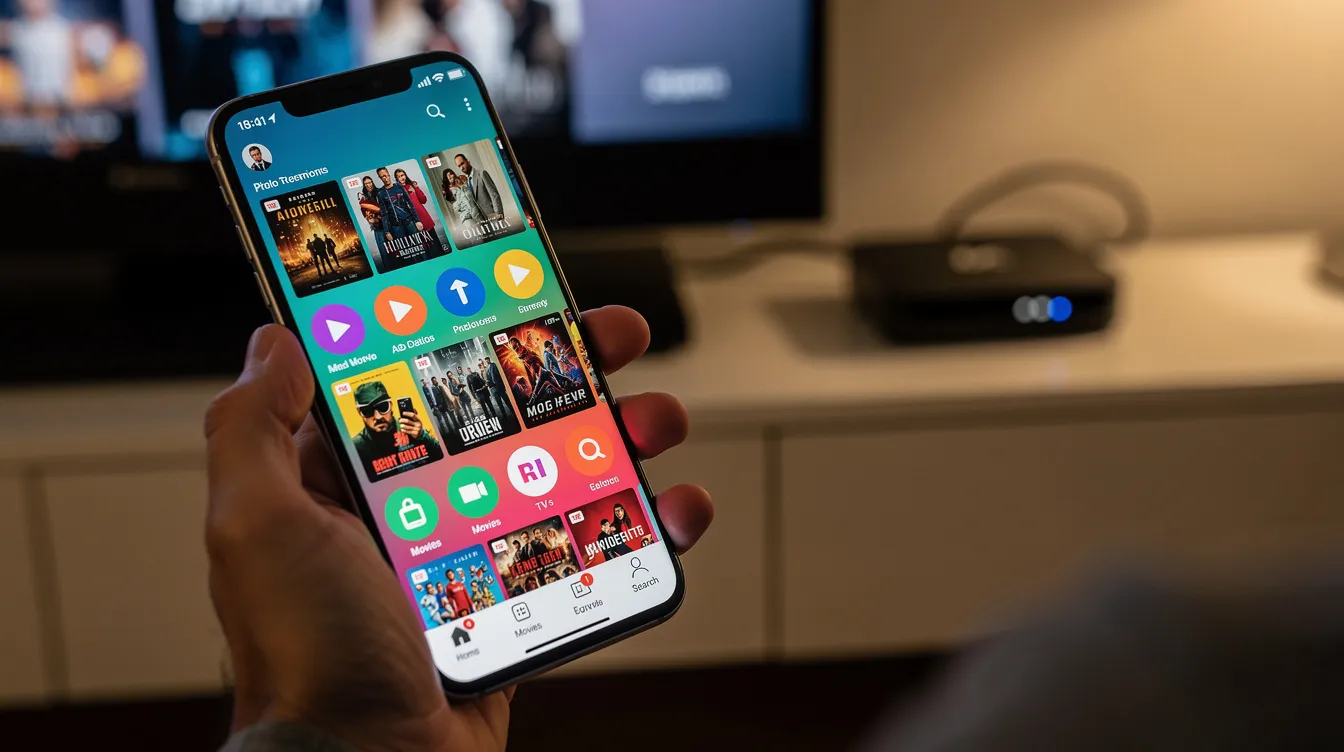
Net IPTV is primarily a TV-oriented app, mais some regions also offer an iOS and iPadOS version for mobile use.
For Apple TV (HD or 4K):
-
Open the App Store on your Apple TV.
-
Search for “Net IPTV” and verify the official developer before installing.
-
Launch the app and write down the MAC or App ID from the first screen.
For iPhone or iPad:
-
If the app is published in your region’s App Store, search and install it the same way.
-
Playlist uploads and de l’application behavior are similar to the TV version, but remote control gestures differ from touchscreen interaction on iOS devices.
-
Apple devices may handle background playback and multitasking differently compared to Android or Smart TVs – you may need to keep the app in the foreground pour vous assurer uninterrupted streaming.
Step-by-Step Configuration of Net IPTV With an M3U Link
This is the key section: how to configurer Net IPTV from scratch une fois the app is installed and your IPTV provider has sent you a lien M3U or Xtream login. Il vous suffit de follow these steps in order.
-
Find your MAC address after launching the app. Open Net IPTV sur votre appareil. On the welcome screen, the app displays a MAC address or App ID (a string of characters with colons). Copy or photograph it exactly, including all colons and characters.
-
Open the upload portal. On a phone or computer, go to the official Net IPTV upload page (currently netiptv.eu/Upload). Locate the section for uploading an M3U or URL.
-
Enter your identifiers. Paste the exact MAC or App ID in the first field. Then paste your IPTV provider’s lien M3U dans le second field (List 1). Cliquez sur “Add List” – or cliquez sur click “Add ALL List” si vous are adding plusieurs playlists at once. You can add up to four M3U playlists in the app, each from a different abonnement IPTV sur différents services if desired.
-
Reload on your TV. Close and reopen Net IPTV, or use the in-app “Reload” or press “0” on your remote as a refresh shortcut. Restart the app to load your IPTV playlist. La liste of LIVE, MOVIES, SÉRIES categories should now appear with channels and VOD content.
-
Watch for common mistakes:
-
Typos in MAC or App ID (confusing 0 with O, or 8 with B)
-
Truncated M3U URLs that were not fully copied
-
Adding playlists before votre abonnement IPTV is actually active on the provider’s side – cela leaves the app apparently empty
-
Activation and Payment Options for Net IPTV
The de Net IPTV license payment only unlocks the player app. You still need a separate legal abonnement IPTV for content – the activation does not include channels, films, or séries.
-
Free trial: The app offers a 7-day free trial on each device. During this period, playlists load without any payment.
-
Activation process: After the trial, visit the official payment page (currently netiptv.eu/Payment). Enter votre adresse email, your MAC or App ID, accept terms, and complete de paiement through the payment processor. Pour activer the app, follow the on-screen prompts.
-
License choices: After the trial, users can choose a 24-month plan, which costs 6.79 euros. An unlimited activation option (lifetime for that device, sometimes described as “pour la vie”) costs 13.99 euros. Net IPTV activation costs approximately 5 euros at the entry level, though pricing peut être subject to minor regional variations.
-
Device-locked: Activation is tied to the specific device MAC or App ID. If you replace your TV or factory-reset it in a way that changes the ID, a new payment may be required. En utilisant Wi-Fi versus Ethernet can sometimes change the displayed MAC, so ensure consistency.
If the app still shows “trial” after payment:
-
Wait 5–10 minutes and restart the app
-
Power-cycle your TV or box
-
Confirm the MAC or App ID matches what you submitted
-
Use the CHECK MAC tool on the Net IPTV site
-
Contact Net IPTV support with your payment receipt if the issue persists
Legality and Safety: Using Net IPTV Responsibly
Net IPTV itself is legal as a media player. En effet, IPTV technology is legal, but service legality depends on provider licensing. As a generic IPTV sur player with no built-in content, the app is comparable to a blank web browser – what matters is how you use it.
-
Legal use: Legitimate IPTV providers must have necessary broadcasting rights and licenses for the channels and content they distribute. If your provider holds proper licensing, using Net IPTV to watch their streams is perfectly fine.
-
Illegal use: Using illegal IPTV subscriptions can lead to legal issues, including copyright infringement liability. Illegal IPTV subscriptions frequently cause black screen problems as well, because those services are routinely shut down or blocked.
-
Verify before subscribing: Verify the legality of your IPTV provider before use. Oui, this means asking whether they have distribution rights for the sports leagues, movie studios, and TV networks dans la lineup.
-
Malware risk: Illegal IPTV subscriptions may contain viruses and malware, especially when they require installing unverified apps or visiting suspicious websites.
-
Protective habits: Keep votre Smart TV and streaming box firmware à jour, avoid entering sensitive credentials in unverified apps, and do not follow tutorials que vous find online that bypass DRM or geo-restrictions illegally. Utilisez strong, unique passwords for any IPTV accounts.
Common Problems With Net IPTV (and How to Fix Them)
Many issues come from configuration errors, MAC or App ID mismatches, or network quality rather than bugs in Net IPTV itself. IPTV services may face buffering and quality issues due to internet instability – so isolating the cause is the first step.
Empty app or black screen:
-
Black screen issues are common with Net IPTV. Restarting the TV often resolves the black screen issue – try a full power-off, not just standby.
-
Check que votre lien M3U is valid and your subscription is active avec une your provider.
-
Re-send the playlist on the upload page and verify the MAC or App ID using the CHECK MAC tool.
MAC or App ID rejected:
-
Retype carefully with colons. Watch for confusion between 0 and O, or 8 and B.
-
Copy-paste from a photo si vous took one during setup.
-
Confirm the app sur le TV still displays the same ID (it can change if you switch between Wi-Fi and Ethernet).
Trial message persists after activation:
-
Wait several minutes – activations may not be instant.
-
Hard-close the app and power-cycle your device.
-
Contact Net IPTV support avec your payment reference if the issue continues beyond a few hours.
Image freezes or buffers:
-
25 Mbps is needed for HD streaming on Net IPTV. 50 Mbps is required for 4K streaming on Net IPTV.
-
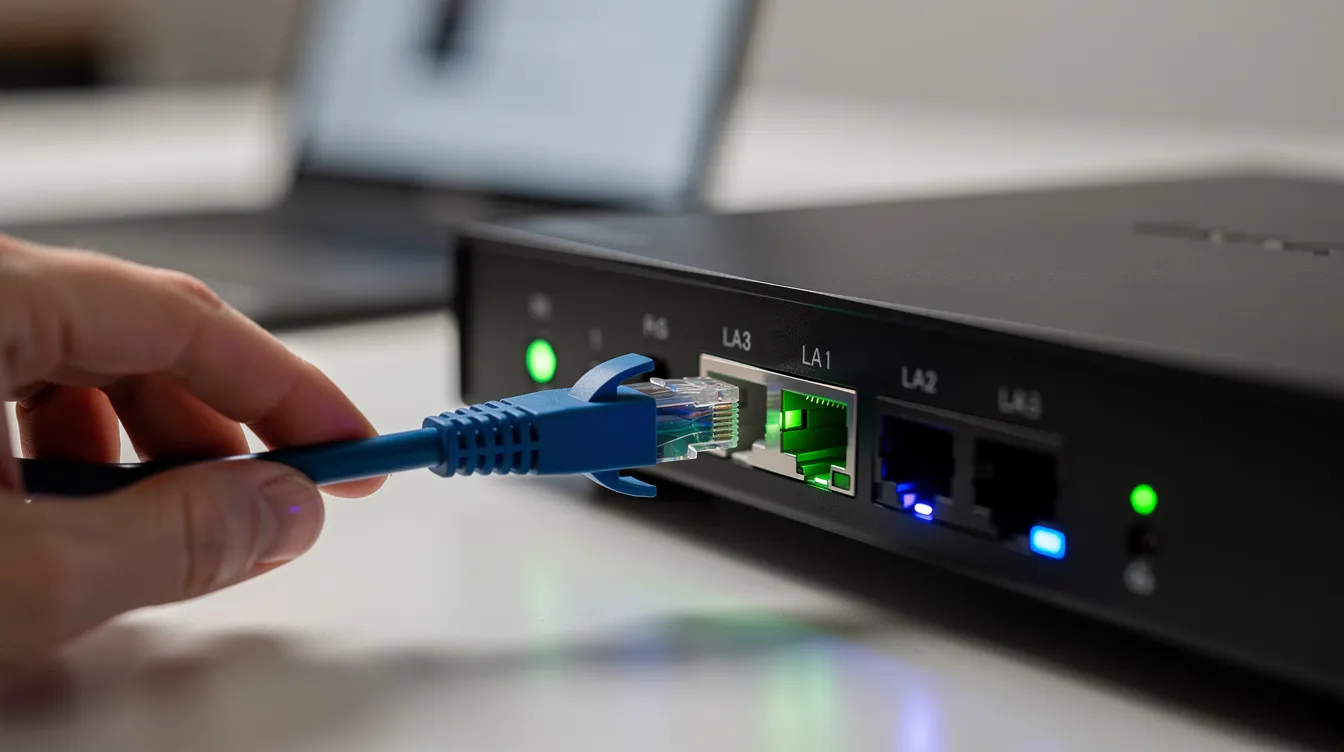
Use wired Ethernet or 5 GHz Wi-Fi when possible.
-
Test playback on another device or app to determine whether your IPTV provider or your network is the bottleneck.
-
Some Smart TVs benefit from a full power-off and restart to clear background apps before streaming.
Alternatives to Net IPTV and How to Choose a Player
Net IPTV is popular for its simple, no-frills approach, mais plusieurs other IPTV players exist avec different strengths. Elle is not the only option, and depending on your needs, another player might serve you better.
Well-known alternatives include IPTV Smarters, IBO Player, TiviMate, and OTT Navigator. These may offer more advanced EPG interfaces, multi-user profiles, catch-up TV, or built-in Xtream Codes login screens que nous don’t find in Net IPTV.
Criteria for choosing an IPTV player:
-
Device compatibility – does it run natively sur la platform you own?
-
Playlist formats supported (M3U, Xtream Codes, Stalker portal)
-
Interface clarity and remote-control navigation
-
Parental controls and subtitle handling
-
Stability and responsiveness on your hardware
-
Licensing model – one-time pay versus recurring
BestIPTV.blog is an editorial site that explains IPTV et streaming options but does not own Net IPTV or sell its licenses. Readers can also evaluate full IPTV services (including GreatestIPTV or StrimoIPTV where appropriate) separately from the choice of player. A good abonnement will usually work avec une plusieurs different players, so you are not locked in.
FAQ About Net IPTV
Dessous, we answer the questions que nous hear most often from readers. Each covers a specific concern about the app, its limitations, or how it fits into the broader IPTV landscape.
Is Net IPTV free? Net IPTV offers a 7-day free trial per device. After the trial, activation is required – there is no permanent free version of l’application Net IPTV. The 24-month plan costs 6.79 euros, while the unlimited option is 13.99 euros. IPTV’s cost-effectiveness often makes it cheaper than traditional cable packages overall, but you still need to budget for both the player and un abonnement IPTV separately.
How do I install Net IPTV on a Smart TV? On Samsung, open the Apps store, search “Net IPTV,” and install. On LG, use the LG Content Store. After installation, open the app and note the MAC or App ID – vous pouvez then upload your playlist via the Net IPTV website. You ne need no technician – comment installer it is covered step-by-step above.
Can I use Net IPTV on Fire Stick? Oui. If the app is not dans le Amazon store for your region, you can sideload it using the Downloader app and an APK URL from the official Net IPTV site. Vous ne should never download APKs from unverified third-party sources, as they may contain malware.
Does Net IPTV provide channels? No. Net IPTV does not provide any content itself. You must bring your own legal abonnement IPTV – the app is simply a player that reads the playlist liens your provider gives you.
Can I move my Net IPTV license to another TV? Activation is tied to the device MAC or App ID. Moving to a different TV generally means purchasing a new activation. If your original device’s ID changes (due to factory reset or network adapter change), the license may no longer apply.
Is it safe to enter my IPTV account in Net IPTV? Any app can theoretically mishandle data, so research the developer and avoid reusing sensitive passwords. Net IPTV is published in official app stores, which provides a baseline level of vetting. That said, your security also depends on the IPTV provider you use – avoid sharing credentials publicly or with unknown services.
Net IPTV is a straightforward, simple player that does one job: reading playlists from your IPTV provider and displaying them sur votre screen. It won’t replace a full-featured media center, and it won’t fix problems that originate with your IPTV service or internet connection. But for users who want a lightweight, affordable way to get IPTV content onto a Smart TV or streaming box, it remains a solid and widely available option.
Before you install, make sure you have a legitimate IPTV subscription ready, confirm your device is supported, and keep your firmware à jour for the best experience. Check your TV’s app store today to see if Net IPTV is available for your model – and take the 7-day trial for a risk-free test drive.
Service information
Promotional links: If you are considering an IPTV service, review current information from GreatestIPTV or StrimoIPTV. Confirm availability, device compatibility and terms directly with the provider before choosing a service. These links are promotional, not an independent recommendation or verification of the provider.
Leave a Reply