If you spend any time around streaming conversations, Twitch comes up fast. It is one of the most recognized names in live entertainment on the internet, yet many people who use IPTV services or watch traditional TV still aren’t sure what Twitch actually does or how it fits into their viewing habits. This guide breaks down how the platform works for both viewers and creators, what makes it different from other streaming options, and how to decide whether it belongs in your lineup.
What Is Twitch TV?
Twitch launched on June 6, 2011, as TwitchTV, a spin-off of the general-purpose livestream site Justin.tv. Founded by Emmett Shear in San Francisco, the platform originally focused on video game streaming but quickly grew beyond that niche. Amazon acquired Twitch in 2014, bringing deeper infrastructure and tighter integration with services like Prime Gaming.
Unlike on-demand sites such as YouTube or Netflix, Twitch is a live video platform built around real-time interaction between Twitch streamers and viewers. Most Twitch content is live-streamed rather than pre-recorded. The platform allows real-time interaction between streamers and viewers through chat, which means what you see is happening right now, and you can respond to it immediately. That two-way feedback loop is the core of the experience, as opposed to passively watching a pre-recorded catalog.
The scale is significant. Twitch has over 30 million daily visitors and features over 7 million content creators monthly. In a recent 30-day window, streams on the platform accumulated roughly 1.5 billion hours watched, with peaks above 4.4 million concurrent viewers. These numbers shift often, so always date-stamp any stat you rely on.
BestIPTV.blog is an independent streaming-education site, not affiliated with Twitch. We cover Twitch here to help readers understand how it fits alongside IPTV and other streaming options in the wider world of cord-cutting.
-
Twitch originally focused on video game streaming but has expanded to numerous categories including music, art, cooking, and esports.
-
The platform operates under a model that allows community engagement through interactive tools like chat, emotes, and channel points.
-
Twitch is owned by Amazon and supported across dozens of device types.
-
Millions of creators stream on Twitch each month, though the vast majority have small audiences.
How Twitch TV Works for Viewers
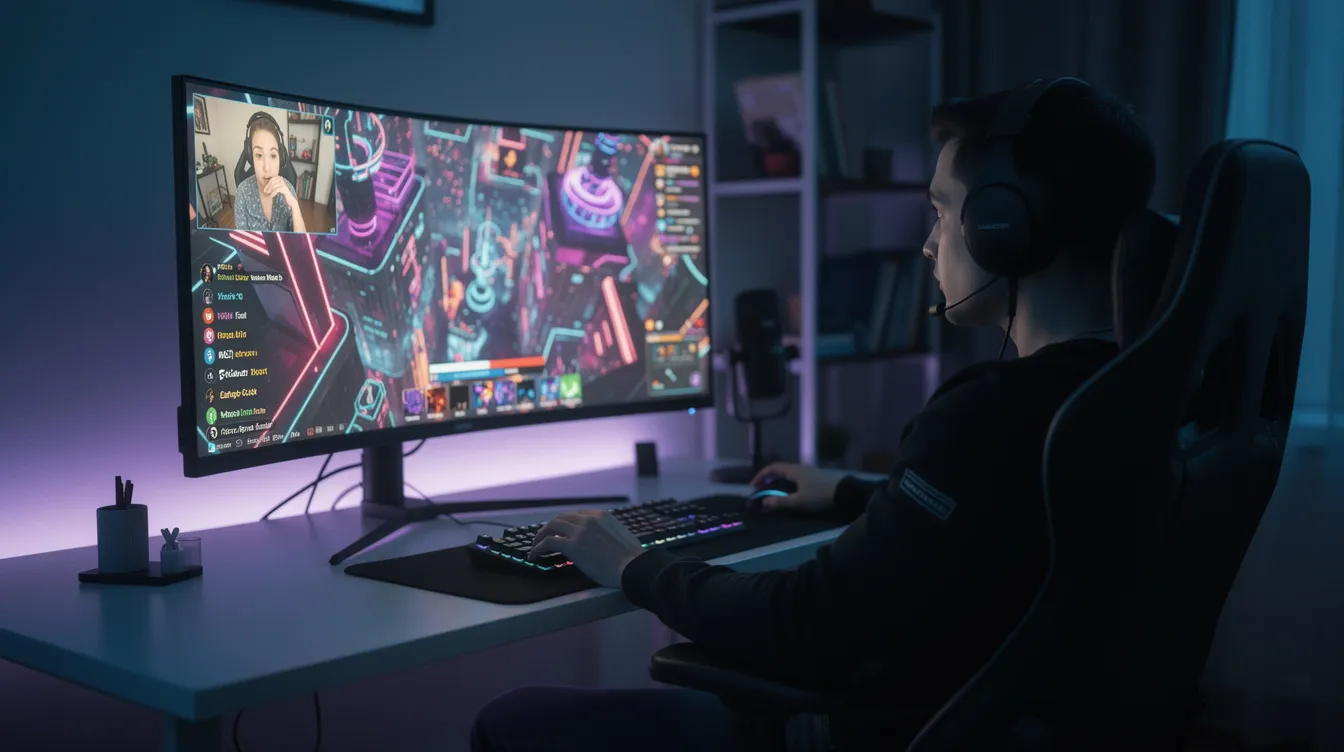
When you open the Twitch site on a web browser or the app on your phone, the home page greets you with live previews of streams, recommended Twitch channels based on your history, and a Browse section. The Browse section organizes content by categories and games, so you can jump straight to what interests you.
Discovery is straightforward. You can search by game name (say, League of Legends or Fortnite), by category like “Just Chatting,” sports, or music, or by keyword. Tags help narrow results further-language, play style, content rating. If a Google search brought you to a specific streamer, you can land directly on their channel page.
Twitch supports various content categories including music, art, cooking, and esports, so there is something for most tastes. Following a Twitch channel is free and gives you notifications when that streamer goes live. Subscribing is a paid step-subscriptions on Twitch start at $4.99 per month-and unlock perks like custom emotes and ad-free viewing if the creator offers them.
Viewers can watch Twitch streams for free without an account. You can browse and watch without signing up. But to chat, follow channels, subscribe, or use features like channel points (where viewers can redeem rewards and interact with streamers), you need a Twitch account.
The typical viewer experience includes the live video player with quality settings, a chat window full of messages and emotes, and channel panels below the stream showing the schedule, rules, and social links. Theater mode lets you enlarge the video while keeping chat visible.
Creating and Setting Up a Twitch Account
Setting up is fast, and the process sounds more complicated than it actually is. Here is the basic flow:
-
Visit Twitch.tv on desktop or download the official app on mobile. Click “Sign Up” and enter your email, date of birth (minimum age is 13), and a username.
-
Verify your email address. You may also be asked to verify your phone number depending on your region.
-
Sign in and customize your profile: pick a memorable username, upload a profile photo, write a short bio, and add a channel banner so your new Twitch channel looks credible to visitors.
-
Enable two-factor authentication (2FA) under your security settings. Use an authenticator app or SMS. 2FA is required to access monetization programs and to start streaming.
-
Link your Amazon account to Twitch to activate Prime Gaming benefits. This unlocks one free monthly channel subscription you can give to any eligible streamer, plus in-game loot. Check Amazon’s latest terms since these perks change periodically.
Once your account is ready, Twitch provides a Creator Dashboard for stream management. From the dashboard, you can configure stream titles, categories, and moderation settings. Streamers can even directly broadcast from their web browser on Twitch without installing separate software, though most creators prefer dedicated tools for better control.
Watching Twitch on Different Devices
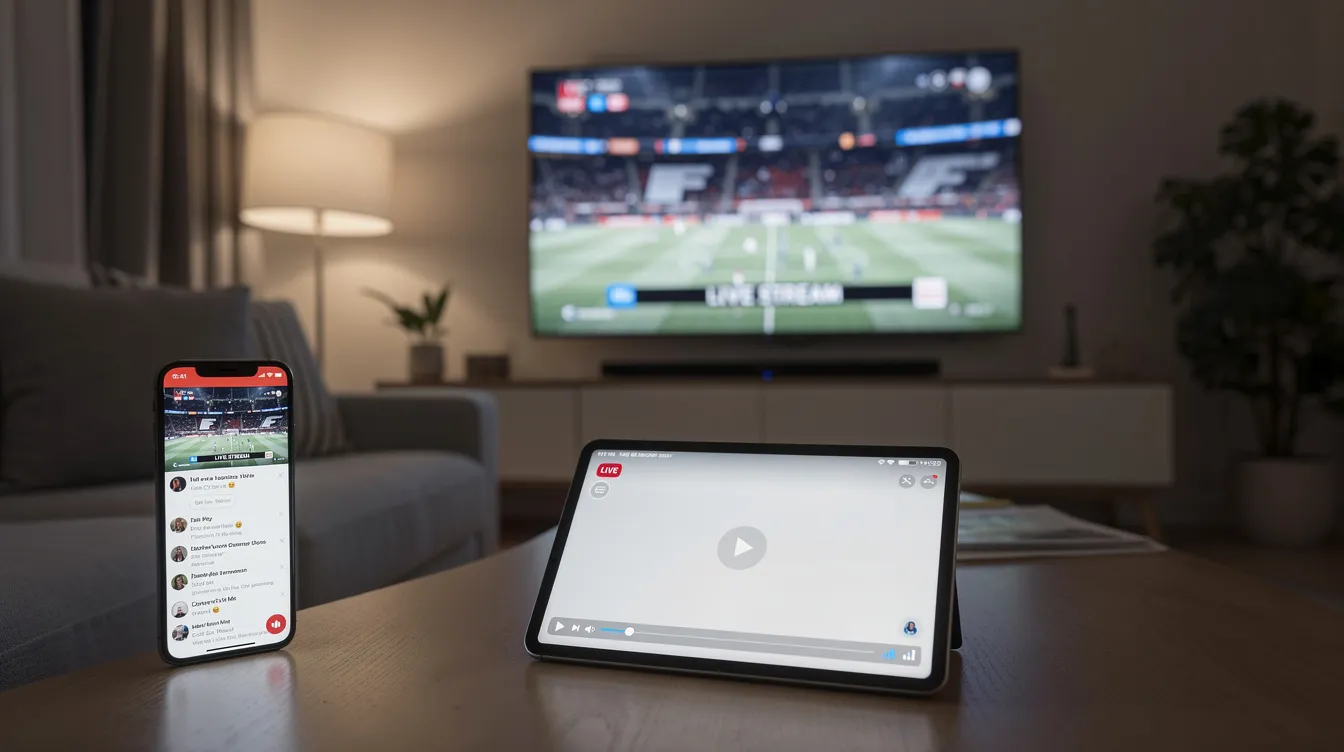
Think of Twitch as more like an app-based TV network than a single website. Mobile and multi-device accessibility enhances Twitch’s viewer experience considerably.
Here are the main ways to watch:
-
Web browsers (desktop/laptop): Full access to chat, video quality controls, extensions, and channel panels. Works best on modern browsers with updated codecs.
-
Smartphones and tablets (iOS and Android): The official app supports live viewing, chatting, and browsing. Quality auto-adjusts based on your connection; data-saving modes help on cellular.
-
Smart TVs: Some smart TV platforms have a Twitch app. Chat viewing works, but typing usually requires a phone as a second screen.
-
Game consoles (Xbox, PlayStation): Twitch apps are available on both. Controller input handles navigation, but chatting is easier from a phone.
-
Streaming devices (Fire TV, Apple TV, Chromecast, NVIDIA Shield): Dedicated apps are available. Fire TV integration is especially smooth given Amazon’s ownership.
Both Twitch and IPTV apps deliver live video on these devices, but Twitch is creator-driven-channel lists are user-generated rather than a fixed broadcast lineup. Log in on every device to sync your follows and subscriptions. On slower connections, lower the video quality manually to avoid buffering.
Inside a Twitch Channel: Layout, Chat, and Emotes
Opening a specific Twitch channel puts you face-to-face with several elements at once. Here is what you will see:
-
Live player: The video feed with resolution controls (up to 1080p or higher), volume, full-screen, and theater mode options.
-
Stream title, category, and tags: Displayed near the player. Shows what the streamer is doing-a particular game, “Just Chatting,” a music performance-and content tags like language or maturity level.
-
Chat window: Usually on the right side (desktop) or below the video (mobile). This is where users type messages, use emotes, and interact with other users. Badges next to usernames indicate roles: subscriber, moderator, VIP, or verified.
-
Channel panels: Below the video. These include the streamer’s schedule, rules, social media link posts, tip/donation links, and sponsor info. They help you understand the Twitch community around that channel.
-
Emotes: Global emotes are available to everyone; channel-specific emotes unlock through subscriptions. Emotes function as Twitch slang-shorthand reactions, memes, and inside jokes that fans recognize instantly.
-
Clips: Creators can capture and share 30-second highlights of their streams as clips. Viewers can create clips too, making it easy to share memorable moments as short videos.
Subscribers receive benefits like custom emotes and ad-free viewing on that channel if enabled. Moderation tools viewers may encounter include slow mode (limits how often you can chat), follower-only or sub-only chat, and AutoMod filtering. Twitch uses AutoMod to filter unwanted chat content automatically, and moderators can issue timed bans for rule-breaking.
Who Streams on Twitch? Types of Twitch Streamers and Content
Twitch started as a home for gaming streams, but the platform’s popularity now stretches well beyond that. Non gaming content has exploded. “Just Chatting” consistently leads Twitch in hours watched, with roughly 670 million hours in Q2 2026 alone.
Major content categories and examples:
-
Games: League of Legends, Fortnite, Valorant, indie titles. Esports tournaments for these games draw massive concurrent viewership.
-
Just Chatting: Talk shows, Q&A, react content, hangouts. This is where streamers like Ninja first built crossover appeal before branching out.
-
Music and DJ sets: Live performances, production sessions, and music-focused communities.
-
Creative and development: Art streams, cooking, coding under “Software & Game Development.” Developers sometimes stream their workflow live.
-
Sports and watch-alongs: Commentary on live events, fitness streams, outdoor IRL content.
Twitch streamers range from hobbyists streaming for a handful of friends, to part-time creators building small but loyal communities, to full-time professionals with sponsorships, exclusive deals, and large audiences. Streamers can use raids to send viewers to other channels at the end of a stream, which is one of the main networking tools on the platform and helps new streamers get discovered.
Typical patterns include consistent schedules, themed days (ranked play one day, community games another), and special marathon or charity events. Contrast this with curated IPTV channels where sports, movies, and international news follow a fixed schedule-on Twitch, personality and chat drive the entertainment.
How Twitch Creators Make Money
Twitch allows creators to monetize through subscriptions, Bits, and ads once they reach certain milestones. The system is tiered, and requirements change over time, so always check Twitch’s official pages for current criteria.
Streamers must follow specific requirements to achieve Affiliate or Partner status for monetization:
-
Affiliate requirements: Twitch’s Affiliate Program requires 500 total minutes streamed, streams on at least 7 unique days, and affiliates must average 3 concurrent viewers over 30 days, plus have at least 50 followers and enable 2FA.
-
Partner requirements: Twitch Partners need 25 hours streamed and 75 average viewers across a qualifying period, along with consistent streaming frequency.
-
Partner Plus: Twitch introduced the Partner Plus Program in October 2023. Streamers must maintain 350 subscribers for Partner Plus eligibility, specifically the Partner Plus Program requires 350 subscribers for three months to qualify for an improved revenue split.
Main revenue streams and what viewers see:
-
Subscriptions: Streamers can subscribe to channels for $4.99 monthly (Tier 1). Streamers receive $2.50 from each $4.99 subscription at the standard Affiliate split. Partners receive a 70/30 revenue share on subscriptions under certain programs. Subscribers get custom emotes, badges, and sometimes ad-free viewing. In 2017, 31.6% of users subscribed to a streamer, showing significant viewer willingness to pay.
-
Bits: Twitch allows streamers to earn revenue through Bits donations. Bits are one-time donations worth roughly one cent each. Viewers buy Bits and “cheer” them in chat to support creators with animated messages.
-
Advertising: Pre-roll and mid-roll ads run during streams. Partners have more control over ad placement and typically earn better rates.
-
Tips and donations: Through third-party services like PayPal, viewers can send money directly. These appear as on-screen alerts but are not managed by Twitch.
-
Sponsorships and merchandise: Larger creators land brand deals, product placements, and sell merch through external stores.
Twitch Partners can save streams for two months as VODs (videos on demand), giving fans who missed a live broadcast the ability to watch later. Clips and VODs extend a creator’s reach beyond the livestream itself. If a VOD or clip is deleted, it is removed permanently.
Creators are responsible for their own taxes and financial record-keeping. Viewers should only support streamers through official or clearly disclosed links on the channel page.
Safety, Moderation, and Community Guidelines on Twitch
Twitch has integrated safety features to protect users while streaming and watching. The platform’s Community Guidelines and Twitch’s terms of service govern what is allowed, covering hate speech, harassment, sexual content, copyrighted material, and underage use.
Twitch updated its harassment policy in December 2020 to address targeted attacks more clearly. The platform introduced a Safety Advisory Council in May 2020, bringing external experts into policy discussions. Twitch’s new policy allows labeled adult content as of December 2023, though the specifics of what qualifies remain under active community discussion-sometimes controversial among creators and viewers alike.
Content restrictions apply to games too. Twitch prohibits streaming games rated “Adults Only,” and has banned specific games like Yandere Simulator from the platform. DMCA enforcement means streamers risk strikes if they play copyrighted music without a license, and VODs may be muted or deleted as a result.
Notable issues the platform has faced include hate raids (coordinated attacks flooding chat with abusive messages), gambling content restrictions, and ongoing debates around advertising standards.
Practical safety steps for viewers and creators:
-
Report abusive users through the on-screen report tool. Block users to prevent them from contacting you.
-
Use mature-content warnings to decide what streams to watch before entering.
-
Streamers should set clear channel rules, appoint moderators, and configure AutoMod to filter harmful language.
-
Enable email or phone verification requirements for chat participation to reduce bot and troll access.
-
Remember that Twitch policies do not replace national regulations. Avoid pirated feeds, respect local laws, and verify that content you stream or share is properly licensed.
Twitch vs Traditional TV, IPTV, and Other Video Platforms
If you use IPTV for live sports, movies, and regional TV, Twitch fills a different role in your streaming setup. Here is how they compare:
-
Content source: IPTV delivers curated linear channels with licensed programming. Twitch channels are run by individual creators-anyone can launch one.
-
Interactivity: Twitch chat lets you interact with the streamer and other viewers in real time. Traditional TV and most IPTV services offer no live feedback mechanism.
-
Schedule: IPTV follows fixed broadcast schedules. Twitch streamers set their own hours, and you rely on notifications to know when your favorite streamers go live.
-
Content type: IPTV excels at licensed league sports, news, and entertainment packages. Twitch excels at niche, personality-driven content and communities you won’t find on cable.
-
Discovery: On IPTV you browse a channel guide. On Twitch you browse categories, tags, and recommendations-or find streamers through YouTube, social media posts, or a Google search.
-
Reliability: IPTV services typically offer consistent quality for their channel lineup. Twitch stream quality depends on each creator’s hardware, internet upload speed, and encoding settings.
For most viewers, Twitch complements rather than replaces a full TV-style channel lineup. You might watch a Premier League match on your IPTV service and then switch to Twitch to watch a streamer’s live commentary or play session afterward.
Getting Started as a New Twitch Streamer
If watching Twitch has you thinking about going live yourself for the first time, here is a concise checklist:
-
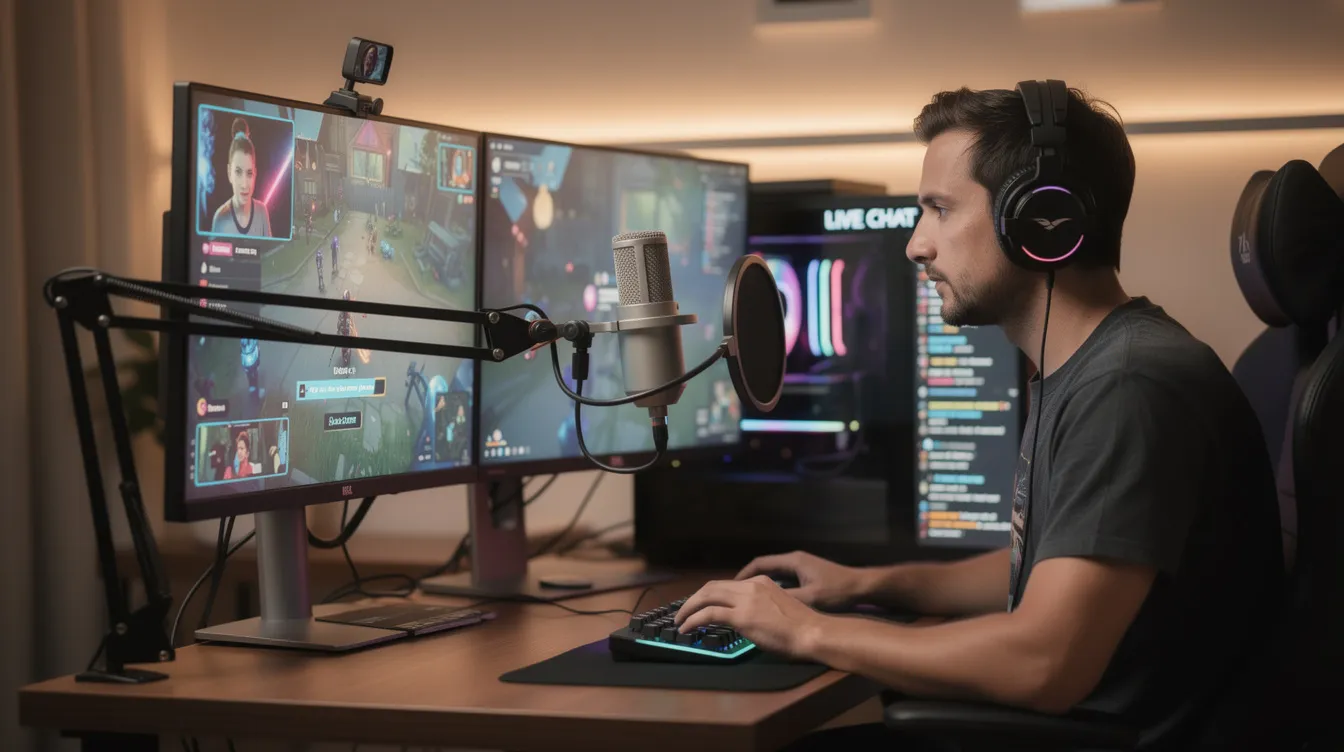
Hardware: A capable PC or console, stable broadband with sufficient upload speed, a USB or XLR microphone, and an optional webcam.
-
Software: Free broadcasting tools like OBS Studio or Twitch Studio. Link your Twitch account, configure your bitrate and resolution to match your bandwidth, and set your stream title and category.
-
Going live: Choose a category, write a clear title, and hit “Start Streaming.” Your first time will feel awkward-that is normal.
-
Growth basics: Stream on a consistent schedule. Engage with chat actively. Use tags and categories correctly so viewers can find you. Network with similar Twitch channels through raids and collaborations.
-
Common mistakes: Streaming copyrighted music without rights, pushing too high a bitrate that causes buffering for viewers, ignoring moderation tools, and long gaps between streams that break momentum.
New streamers should focus on building genuine connections rather than chasing viewer counts. The demand for authentic, personality-driven content is what makes Twitch different from every other video platform in the world.
Future of Twitch TV in the Wider Streaming Ecosystem
Twitch has evolved from a gaming-only site to a broader live entertainment hub. Its coexistence with IPTV, subscription demand services like Netflix, and social video platforms like YouTube means viewers increasingly mix and match their streaming sources.
Emerging trends to watch include mobile-first viewing habits, short-form discovery feeds, increased non gaming content, and more flexible exclusivity policies for Twitch streamers. The platform’s “Monetization for All” rollout in 2026 lowered barriers for creators globally, signaling a focus on bringing more people into the creator economy. Meanwhile, competition from platforms like YouTube Live and Kick continues to apply pressure-Twitch’s share of live streaming hours watched sat at roughly 21% in Q2 2026, down year-over-year but still substantial.
Rights issues around sports, music licensing, and regional restrictions will keep shaping what appears on Twitch versus traditional broadcasters or IPTV services. Tighter content rules, new monetization formats, and deeper integrations between Twitch and other Amazon services are all on the horizon.
Questions to consider as you decide how Twitch fits your streaming setup:
-
Is real-time interactivity with streamers and communities important to you, or do you prefer lean-back viewing?
-
Does niche, creator-driven content appeal to you more than polished, licensed programming?
-
Which devices do you use most, and does Twitch’s app support on those devices meet your expectations?
-
Are you comfortable with the platform’s moderation environment and the variability of content quality across channels?
-
Will Twitch complement your existing IPTV or cable service, or are you looking for something to replace part of that lineup entirely?
Twitch is not a replacement for a full channel package, but it offers something no traditional TV lineup or IPTV service can match: the ability to watch, interact with, and become part of live communities built around shared interests. Whether you are a viewer exploring the platform or a creator ready to go live, understanding how Twitch works puts you in a better position to decide where it fits in your world of streaming.
Service information
Promotional links: If you are considering an IPTV service, review current information from GreatestIPTV or StrimoIPTV. Confirm availability, device compatibility and terms directly with the provider before choosing a service. These links are promotional, not an independent recommendation or verification of the provider.
Leave a Reply