How to Watch Live TV Online in 2026: Free and Paid Options Explained
Watching live tv online has never been more accessible. Whether you want free channels on your phone or a full sports-packed bundle on your smart TV, this guide walks through every option – free and paid – so you can find the right setup for your household, your devices, and your budget.
Watch Live TV Online in Minutes (Quick Start Guide)
You do not need a cable box, satellite dish, or any special hardware to watch live tv today. If you have an internet connection and a screen, you can start streaming in a few minutes.
Step-by-step for any device:
-
Smart TV – Open your TV’s built-in app store. Search for a free live TV app such as Pluto TV, BBC iPlayer, or Plex. Install it, open it, and browse live channels.
-
Laptop or desktop – Visit a broadcaster’s website (e.g., BBC iPlayer, ITVX, or Pluto TV’s web player) in Chrome, Edge, or Firefox. Select a live channel and press play.
-
Phone or tablet – Download a free live TV app from the App Store or Google Play. Open it, pick a channel, and stream.
-
Firestick – Go to the Amazon Appstore on your Fire TV Stick, search for Pluto TV, Plex, or your local broadcaster app, install it, and select a live channel from the guide.
Free vs. paid live TV at a glance:
-
Free live tv options (FAST channels, broadcaster apps like BBC iPlayer, Pluto TV, Plex) give you news, entertainment, and classic shows at no monthly cost – funded by ads or public broadcasting.
-
Paid live TV streaming (YouTube TV, Hulu + Live TV, Sling TV, NOW) bundles more channels, including premium sports and movies, for a monthly fee.
-
IPTV-style services offer large channel lists for lower prices, but their licensing and legality vary – always verify before subscribing.
Before you stream: Check whether a local TV licence or other legal requirement applies. In the UK, you need a TV licence to stream live TV, including simulcast channels online. Test your connection by streaming a free live channel first in SD, then in HD. Sit close to your router or use an Ethernet cable for the most stable experience.

Live TV vs. On‑Demand Streaming: What “Live TV Online” Actually Means
Live TV online means watching real-time simulcasts of TV channels delivered over the internet instead of through an aerial, cable, or satellite connection. You see the same programme at the same time as everyone else tuned in – just delivered via your broadband.
This is different from other ways people watch:
-
Live TV (linear) – real-time broadcast. A football match, a news bulletin, or a trending drama airing right now.
-
Catch-up TV – watching a show after it aired. BBC iPlayer, for example, keeps most programmes available for a 30-day window after broadcast.
-
On-demand box sets – Netflix-style binge watching, where entire seasons sit in a library for you to start whenever you want.
Many streaming services now combine live TV with on-demand content in a single app, which blurs the lines further.
Common terms explained simply:
-
IPTV – television delivered using internet protocols rather than cable or satellite infrastructure.
-
OTT (Over-The-Top) – streaming that runs over the open internet, bypassing traditional pay-TV systems.
-
FAST channels – free, always-on channels funded by advertising (like Pluto TV or Samsung TV Plus).
-
Live linear channels – the traditional scheduled TV feed, streamed in real time.
Major broadcasters now stream the same live channels they broadcast – news, sport, mainstream entertainment – via official apps and websites. BestIPTV.blog is an educational resource: it does not operate TV services but helps readers compare legal streaming and IPTV-style options.
What You Need to Stream Live TV Online
Here is the minimum you need to watch live TV without constant buffering.
Broadband speed requirements:
|
Quality |
Minimum Speed (per stream) |
|---|---|
|
Standard definition (SD) |
2–3 Mbps |
|
High definition (HD, 1080p) |
8–15 Mbps |
|
Ultra HD / 4K |
15–25 Mbps |
A minimum broadband speed of 2 Mbps is required for streaming, but HD and 4K need significantly more. Live streams require a stable, high-speed broadband connection – streaming relies on existing internet bandwidth, which can affect performance if multiple people share the same network. Standard-definition streaming typically requires 2–3 Mbps internet speed.
Compatible devices:
-
Smart TVs (Samsung, LG, Sony, and others with Android TV / Google TV)
-
Streaming sticks and boxes (Amazon Fire TV Stick, Roku, Chromecast, Android TV boxes)
-
Game consoles (PlayStation, Xbox)
-
Laptops and desktops (via web browser)
-
Smartphones and tablets (iOS and Android)
Some IPTV apps require Android or Fire OS, while major broadcaster apps often support iOS, Android, smart TVs, and web browsers.
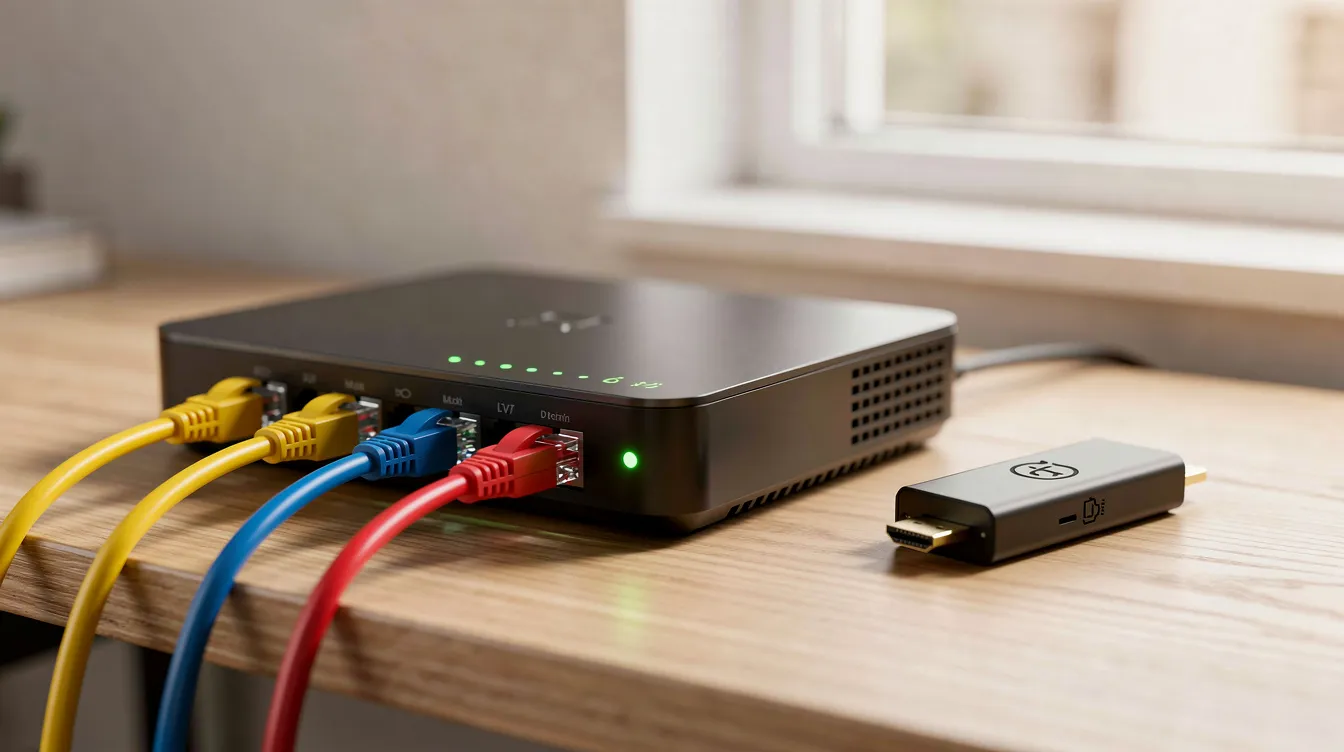
Why your home network matters: Live TV is more sensitive to network quality than basic web browsing. Use 5 GHz Wi-Fi rather than 2.4 GHz where possible, or connect via wired Ethernet for the most reliable stream. Keep devices and apps updated to the latest version to ensure compatibility and security.
Free Live TV: How to Watch Without a Monthly Subscription
Free live TV online usually means fewer premium sports and movie channels, but there is plenty of news, lifestyle, and classic entertainment available at no cost.
Broadcaster-backed free sources:
-
BBC iPlayer – live BBC channels plus catch-up, free with a BBC account (UK TV licence required for live viewing).
-
ITVX, Channel 4, My5 – free live and on-demand content from UK commercial broadcasters.
-
Pluto TV, Tubi, Xumo – free streaming platforms popular in the US, offering hundreds of live and on-demand channels.
-
Freeview Play – access to over 60,000 hours of TV content for free across Freeview-supported apps and devices. Freeview Play is also available on mobile and tablet devices.
-
Orbitv – provides access to over 2,000 live TV channels.
-
Plex – streams 600+ live TV channels for free without extra hardware. Plex supports streaming on phones, tablets, smart TVs, and PCs.
What are FAST channels? FAST (Free Ad-Supported Television) channels are curated, always-on streams – think 24/7 true crime, cooking, or classic drama – supported by advertising instead of subscriptions. Services like Pluto TV or Plex bundle hundreds of these channels alongside on-demand films, though selection changes over time.
Free services are usually geo-restricted by country or region. Always follow local rules and app terms of use. BestIPTV.blog does not host or link to pirated streams and only recommends legal routes to watch live TV online.
Paid Live TV Streaming and IPTV‑Style Services
Paid live TV online typically bundles many channels – including premium sports and international content – for a monthly or multi-month fee.
Mainstream live TV bundles:
-
YouTube TV, Hulu + Live TV, Sling TV, and Fubo in the US.
-
NOW in the UK (the NOW app can be used on up to five devices per account).
-
Regional equivalents in other markets.
Watching live TV on streaming platforms often requires subscription to multiple services for full channel access. Streaming services often have cheaper entry-level packages than cable, and most live TV streaming services operate on a month-to-month basis without long-term commitments.
How paid streaming compares to traditional cable:
-
Traditional cable offers a consistent viewing experience without internet dependency and can provide comprehensive channel lineups without needing multiple apps for access.
-
Cable television packages often bundle services such as broadband and landline phone, but cable television typically requires long-term contracts and can include hidden fees. Cable packages can also inflate costs due to regional sports fees and rental costs. Professional installation may be required for many cable services.
What about IPTV-style services? These are internet-based channel bundles – often multi-country – where readers usually look for stability, channel range, device support, and refund terms. BestIPTV.blog is an editorial blog that explains how to evaluate such services; it does not operate GreatestIPTV or StrimoIPTV, and any links would be clearly marked as affiliate or commercial where relevant.
Never assume a provider is legal or licensed just because it is online. Check whether channels are offered with proper rights in your country and read the provider’s own documentation. Do not rely on guaranteed channel lists, sports league coverage, or permanent 4K streams – IPTV and streaming line-ups can change without notice.
How to Watch Live TV on Different Devices
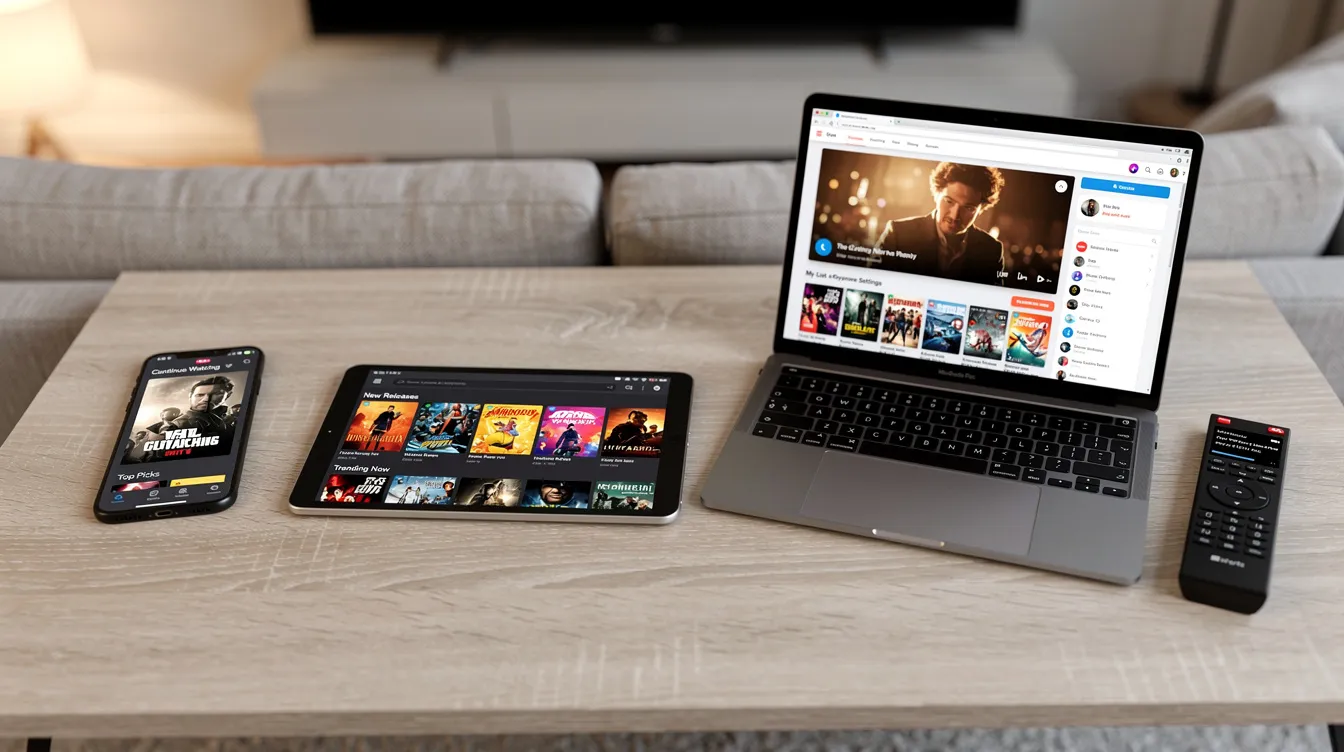
This section gives practical, device-specific tips rather than deep technical instructions. Streaming offers greater portability, allowing viewing on mobile devices anywhere you have a connection. Most live TV streaming services can be accessed on various devices.
Smart TVs (Samsung Tizen, LG webOS, Android TV / Google TV): Open your TV’s built-in app store. Search for your preferred live TV app, install it, sign in with your account, and pin favourite services to the home screen for quick access.
Fire TV Stick and Android TV boxes: Install official apps from the Amazon Appstore or Google Play. Many Fire TV devices have a “Live” tab – enable it to add live channels from supported apps into a single guide.
Laptops and desktops: Visit a provider’s website in Chrome, Edge, or Firefox. Enable cookies and DRM modules when requested. Use fullscreen mode for the best viewing experience.
Phones and tablets (iOS and Android): Install broadcaster and FAST apps from official stores. Be aware that streaming can quickly use up mobile data allowances – enable mobile data streaming only if you have enough data. You can cast to a bigger screen via Chromecast or AirPlay where available.
Device limits to know:
-
Sky Go allows streaming on up to six registered devices.
-
Virgin TV Go supports streaming on up to five devices simultaneously.
-
The NOW app can be used on up to five devices per account.
Simultaneous streams per account are usually limited to one to three devices at a time. Always check each service’s latest policy on its official page.
Watching Live Sports Online Legally
Sport is one of the main reasons viewers still want live TV instead of only on-demand box sets.
Top domestic leagues and major events – Premier League, NFL, NBA, UEFA competitions, Formula 1 – are usually tied to specific rights-holding broadcasters and apps in each country. This means you cannot simply find one service that covers everything globally.
How fans legitimately stream live sports:
-
Official broadcaster apps (e.g., Sky Sports, ESPN, BT Sport / TNT Sports, Peacock) in the relevant territory.
-
Sports add-ons inside live TV bundles (YouTube TV, Fubo, Sling).
-
League-operated services where available (e.g., NFL+, NBA League Pass).
Cable TV generally offers faster access to live sports and events without lag. Live streaming can experience delays compared to traditional cable television, and local broadcast availability can be inconsistent with live streaming – blackouts and territorial restrictions apply.
Availability, matches, and blackouts vary by territory and season, so always check the current season’s rights on the broadcaster or league’s official website. Avoid unlicensed sports streams promoted via social media or suspicious IPTV lists – risks include malware, sudden shutdowns, and possible legal consequences. Prioritise stable, legal sources even if they cost more, especially for big fixtures where reliability matters most.
Choosing a Live TV or IPTV Service: Key Factors to Compare
Before you choose a service based on price alone, compare these factors systematically.
Content:
-
Channel line-up – does it include local channels and key sports in your country?
-
On-demand catalog and catch-up window (how long shows stay available).
-
Support for subtitles and multiple audio tracks.
Technical quality:
-
Maximum resolution: HD vs. 4K.
-
Average stream stability and buffering frequency.
-
Supported devices and apps.
-
Cloud DVR – streaming platforms provide cloud-based DVR for recording shows, which is included in many paid bundles.
Commercial terms:
-
Plan length: monthly vs. multi-month. Flexibility is a key advantage of streaming live TV services – most operate month-to-month.
-
Refund or trial options, payment methods, renewal rules.
-
How easy it is to cancel without penalties.
Reputation indicators you can check yourself:
-
Up-to-date official documentation on the provider’s page.
-
Responsive customer support channels.
-
Transparent status or update pages.
BestIPTV.blog publishes independent explainers and comparisons. Any affiliate or sponsored links are disclosed so readers understand the relationship.
Staying Safe, Legal, and Private When You Watch Live TV Online
Convenience should not override legal and security considerations when streaming live TV.
-
Use official app stores only. Install live TV apps from the App Store, Google Play, or Amazon Appstore. APKs from unknown sources may include malware or adware.
-
Respect copyright and broadcasting rules. These differ by country. In the UK, you need a TV licence to stream live TV – this applies to BBC iPlayer and any service showing live broadcasts. Check your local obligations.
-
Protect your accounts. Create strong, unique passwords for streaming accounts. Enable two-factor authentication when offered. Be cautious about sharing login details.
-
Understand VPN limitations. Some users employ VPNs for privacy, but a VPN does not make illegal streaming legal and may violate some providers’ terms if used to bypass geo-restrictions.
-
Review privacy policies. Check each service’s data collection practices, especially when using social logins or linking multiple devices.
Troubleshooting Common Live TV Streaming Problems
Here are quick fixes for the most frequent issues: buffering, low quality, login errors, and missing channels.
Reduce buffering:
-
Test your internet speed – you need at least 2 Mbps for SD, 8+ Mbps for HD.
-
Move closer to your router or switch from Wi-Fi to Ethernet.
-
Pause other heavy downloads or streams on your network.
-
Lower video quality temporarily if your connection is unstable.
Device-related fixes:
-
Restart the app and the device.
-
Clear the app cache.
-
Update firmware and apps to the latest versions.
-
Check that your device has enough storage space.
Sudden channel loss: This can happen due to rights changes, regional blackouts, or provider line-up updates. Verify with the service’s official announcements before assuming a fault on your end.
Keep a backup live TV option – for example, a free live news app – for important events like breaking news or major matches.
Always consult the official help or FAQ page of your chosen live TV service for device-specific troubleshooting guides.
How BestIPTV.blog Helps You Navigate Live TV Online
BestIPTV.blog is an independent, educational resource for people comparing live TV and IPTV-style services. The site publishes plain-language guides about IPTV basics, device setup (Firestick, Android TV, smart TVs, MAG boxes), and troubleshooting common live TV streaming issues.
GreatestIPTV and StrimoIPTV may appear in comparisons or overviews on the site, but BestIPTV.blog does not own or operate these services and always labels commercial or affiliate relationships clearly.
All service information is based on each provider’s own published documentation as checked on specific dates. Readers should always confirm the most current terms, line-ups, and app support directly with providers.
The best way to find the right live TV service is to start with a free option, test your setup, and compare before committing to a paid plan. Use BestIPTV.blog to learn the key questions to ask any provider before subscribing – it will help you make safer, more informed decisions about how to watch live TV online.
Service information
Promotional links: If you are considering an IPTV service, review current information from GreatestIPTV or StrimoIPTV. Confirm availability, device compatibility and terms directly with the provider before choosing a service. These links are promotional, not an independent recommendation or verification of the provider.
Leave a Reply