Finding the best IPTV service in 2026 is not as straightforward as picking the one with the most channels or the cheapest price tag. With dozens of providers competing for attention-and plenty of vague marketing claims floating around-UK households need a practical framework for separating genuine quality from noise. This guide walks you through what IPTV actually is, what to look for, what to avoid, and how to make a confident decision based on your own viewing habits.
IPTV Service Overview for UK Viewers
An IPTV service delivers television programming and video content using Internet Protocol networks-your home broadband-rather than a satellite dish, aerial, or coaxial cable. Unlike traditional Sky or Virgin setups that rely on dedicated transmission infrastructure, IPTV sends channels over the same internet connection you use for everything else. Since around 2020, as full-fibre broadband has rolled out across more of the UK, IPTV has grown rapidly in UK households looking for flexible, lower-cost alternatives to legacy TV packages.
BestIPTV.blog is an independent IPTV education and comparison site, not an IPTV provider. We do not sell subscriptions. Any provider-specific details mentioned in this article should always be confirmed directly on that provider’s official website before you subscribe.
IPTV can deliver content comparable to platforms like Netflix or YouTube, but focuses primarily on live channels, including feeds from multiple countries, live sports, movies, and series. IPTV offers a massive selection of live TV channels and video-on-demand options, accessible on a Smart TV, Firestick, mobile phone, or computer. This article focuses on helping UK readers choose the best IPTV service in 2026-not selling a specific subscription.
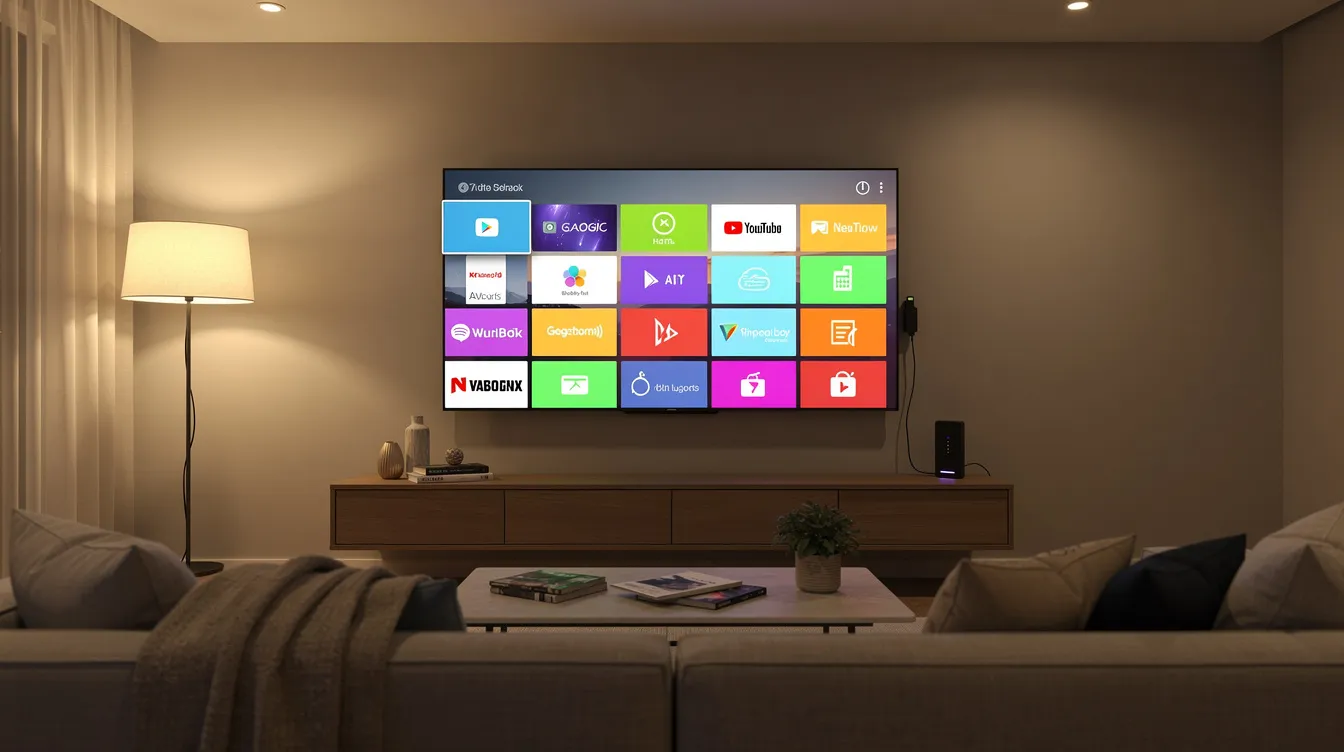
What Is an IPTV Service and How Do These Devices Work?
IPTV stands for Internet Protocol Television. Where satellite TV beams a signal from space and cable runs through physical coaxial lines, IPTV streams media as a sequence of data packets over your broadband connection-much like how Netflix or YouTube deliver video to your screen. Live TV typically uses IP multicasting to send the same channel stream to multiple viewers at once, keeping bandwidth efficient on the provider’s end.
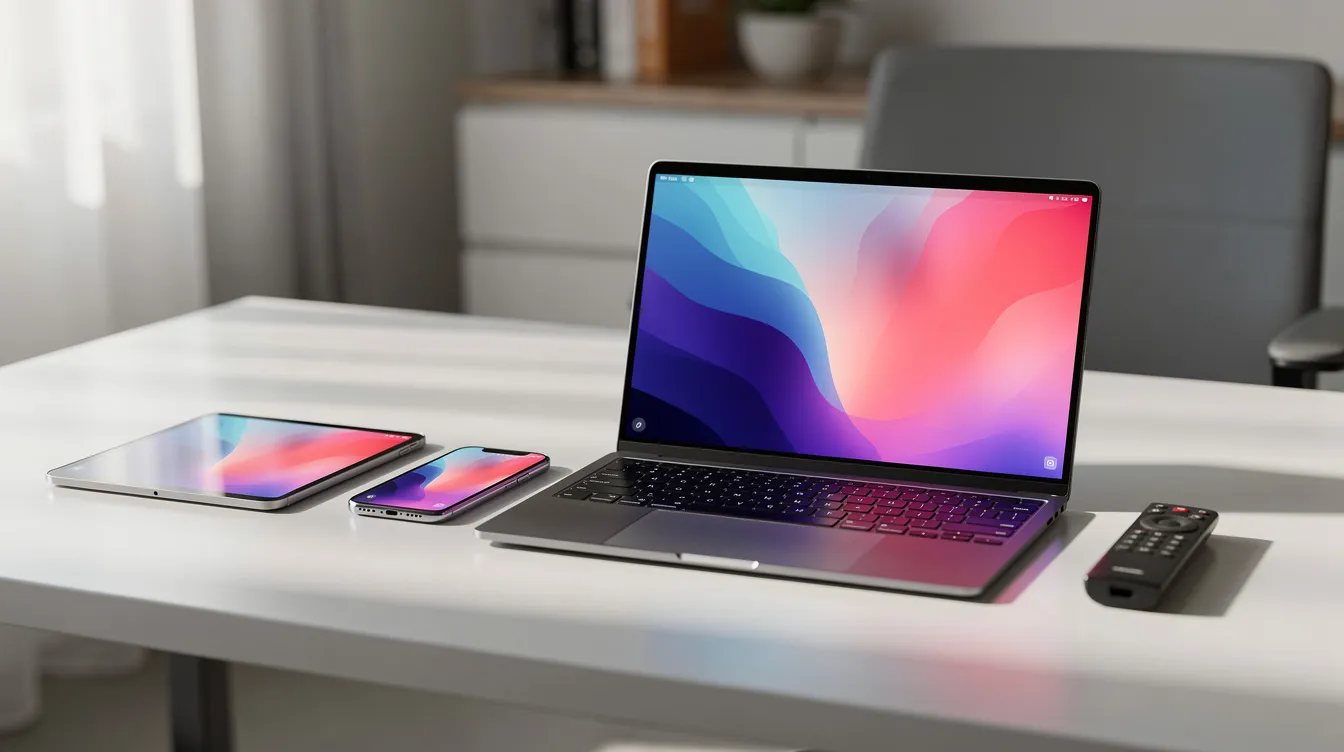
Setting up IPTV generally involves using a compatible device and application. IPTV can be accessed on multiple devices including smart TVs, streaming sticks, Android phones, tablets, and computers. Here is how most devices work with an IPTV service:
-
Smart TV (Samsung, LG, Sony): install a player app, enter your login details or M3U playlist URL, and load the channel list.
-
Amazon Firestick / Fire TV: download an IPTV player from the app store or sideload it, then enter your Xtream Codes or M3U credentials.
-
Android box or Nvidia Shield: same process as Firestick, often with a wider choice of player apps.
-
iOS / Android phones and tablets: install a mobile IPTV app, enter credentials, and stream.
-
Windows / Mac: use a desktop player like VLC or a browser-based option.
Video on Demand allows users to browse a digital library of movies and shows, while time-shifted TV lets viewers rewind or catch up on past live broadcasts. Apps like IPTV Smarters Pro and TiviMate connect to a provider’s servers, fetch channel lists and EPG (electronic programme guide) data, and then stream content to your screen.
IPTV requires a stable high-speed broadband or fibre-optic internet connection. As a rough guide, you will want around 10 Mbps for reliable HD streaming and 20–25 Mbps or more for 4K. These numbers vary by provider, codec, device, and how many people in the household are online simultaneously.
Key Features to Look For in the Best IPTV Service
Before picking any IPTV provider, use this checklist to evaluate what actually matters for your household:
Reliability and uptime
-
Does the provider publish uptime figures? 99.9% uptime is common among top IPTV providers, but claims vary.
-
What anti freeze or anti freeze technology measures are in place? These matter most during Premier League or Champions League peak hours.
-
Are there redundant server routes and load balancing for big live events?
Content and UK channel coverage
-
IPTV services offer 10,000+ channels in various countries. For example, SkyCastBox offers 10,000+ channels and 55,000+ VOD titles, while IPTV Kingdom provides 36,000 live channels and 260,000 movies.
-
Does the channel list include the UK channels you actually watch-Sky Sports, TNT Sports, PPV events, kids’ content, and news?
-
Is there an on demand content library with movies, series, and box sets?
-
Catch-up TV features allow viewing of broadcasts for up to 7 days with some providers. 1IPTV Provider, for instance, offers a 3-day catch-up window for missed broadcasts.
Picture quality
-
Look for SD, HD, full HD, and 4K Ultra HD streaming tiers. 4K Ultra HD streaming is available on many IPTV services, though your broadband connection needs to keep up.
-
Does the provider use adaptive bitrate streaming (HLS or DASH)? This lets the stream adjust quality smoothly rather than freezing when bandwidth dips.
Device support
-
Confirm compatibility with your Samsung Smart TV, LG webOS, Apple TV, Firestick, Android box, MAG device, or Nvidia Shield.
-
IPTVUKOnline supports 6 simultaneous connections for multi-screen households-a useful benchmark when you need content on your living room TV and a second screen at the same time.
Usability
-
Is the EPG accurate for UK channels? Can you group, favourite, and search channels easily?
Subscription transparency
-
Are subscription plans clearly explained, with trial options, a money back guarantee, and no hidden auto-renewal traps?
Anti Freeze Technology and Stable Streaming Explained
Most IPTV providers use the term “anti freeze” to describe a bundle of server-side techniques: load balancing across multiple servers, redundant upstream feeds, optimised encoding (H.265 over H.264), and sensible connection count limits per server node. Anti-freeze technology allows quick recovery from buffering by switching routes or lowering bitrate temporarily, but no provider can promise zero buffering under every condition.
Common causes of freezing:
-
Overloaded servers during peak events (e.g., a Saturday evening Premier League fixture)
-
Weak or congested Wi-Fi inside the home
-
ISP-level congestion or throttling during busy hours
-
Underpowered devices struggling with high-bitrate 4K streams
IPTV services can face buffering issues if the internet connection is slow or unstable, regardless of the provider’s infrastructure.
What the uptime numbers actually look like: | Provider | Reported Uptime | Notes | |—|—|—| | ReflexSat IPTV | 99.7% | Achieved during testing | | Viral IPTV | 99.4% | Maintained during peak testing with independent 4K server pools | | IPTVUKOnline | 99.2% | Achieved during peak load tests |
Good infrastructure and content delivery networks reduce freezes significantly-but cannot eliminate them entirely, especially during major UK sporting events. When evaluating providers, look for transparency about server locations, realistic streaming quality claims, and clear support guidance for apps like IPTV Smarters Pro and TiviMate.
Devices and Apps: Making Your IPTV Service Work on What You Own
Modern IPTV services typically work on most existing home devices, so new hardware is rarely needed. Here is a quick breakdown:
|
Device Category |
Examples |
Typical Setup |
|---|---|---|
|
Smart TV |
Samsung TV (Tizen), LG (webOS), Sony (Android TV) |
Install IPTV app, enter login details, load channel list |
|
Amazon Firestick / Fire TV |
Firestick Lite, 4K, 4K Max |
Download player app, enter Xtream Codes or M3U details |
|
Android TV box / Nvidia Shield |
Various brands |
Same as Firestick, broader app compatibility |
|
Apple TV |
Apple TV 4K |
Install compatible IPTV player from App Store |
|
MAG / STB devices |
MAG 322, 420, etc. |
Enter portal URL in device settings |
|
Mobile |
Android phones, iPhones, tablets |
Install app, enter credentials |
|
PC / Mac |
Windows, macOS |
Use VLC, browser player, or dedicated app like iBO Player |
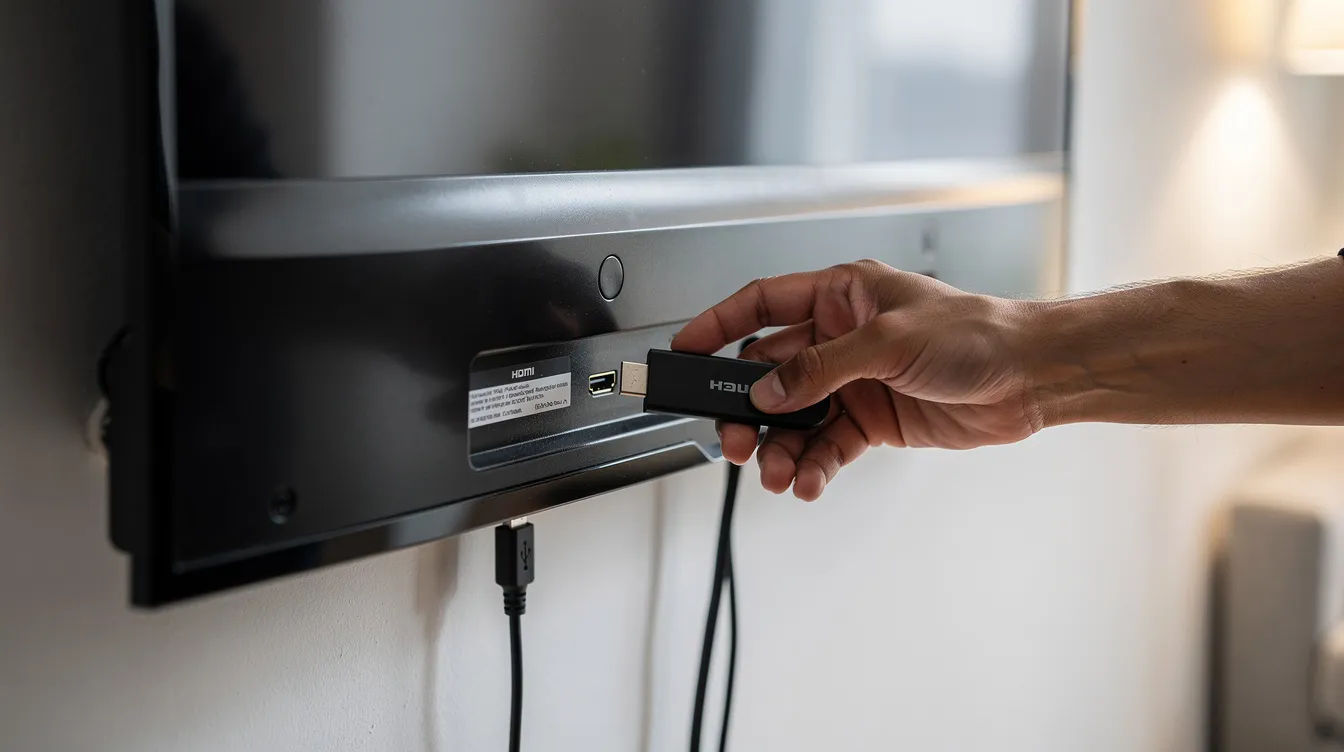
Setup on Firestick takes under 8 minutes. Setup on Samsung Smart TV completes in under 5 minutes. Most IPTV accounts activate within 15 minutes after payment, and IPTV setup guides are provided with every subscription-so even if you have never used IPTV before, the process is straightforward.
IPTV Smarters Pro is recommended for first-time users because of its simple layout, support for both M3U and Xtream Codes, and cross-platform availability. Before buying any UK IPTV subscription, confirm with the provider that your exact device model is supported.
Comparing IPTV Subscription Plans and Pricing Models
IPTV subscription plans are usually offered in 1-month, 3-month, 6-month, and 12-month terms. Some providers also offer multi-year or so-called “lifetime” plans, though longer commitments carry more risk if the service disappears. Many IPTV services operate on month-to-month plans without strict cancellation penalties, which is worth checking upfront.
Sample annual pricing (as reported by providers-verify current prices on their sites):
|
Provider |
12-Month Price |
Effective Monthly Cost |
|---|---|---|
|
StreamIPTV4K |
~£60 |
~£5.00/month |
|
IPTV Kingdom |
£49 |
~£4.08/month |
|
SkyCastBox |
€49.99 |
~€4.17/month |
|
1IPTV Provider |
£64.99 |
£5.42/month |
|
Viral IPTV |
£84.99 |
~£7.08/month |
|
NikIPTV |
– |
£6.99/month (lowest reported monthly rate) |
Legitimate IPTV providers charge appropriate subscription fees and operate as recognised broadcasters. An unbeatable price headline means nothing if the service freezes every time there is live sports on, so look beyond cost alone.
Practical questions to ask any provider:
-
Does the plan include a free trial or a money back guarantee?
-
How many connections come with the plan? One device, two connections, or more?
-
What does the plan include-full access to the VOD library, catch up, and all live channels?
-
Can you pay securely using debit cards, bank transfers, or other verified payment methods?
-
Is there instant activation after payment, or a waiting period?
BestIPTV.blog does not quote live prices because they change frequently. Always check each IPTV service provider’s official website for current subscription plans.
How to Choose the Best IPTV Service for UK Households
Here is a step-by-step decision guide for UK viewers comparing multiple providers:
Step 1: List your must-have channels. Write down specific requirements-Premier League coverage on Sky Sports, Champions League on TNT Sports, kids’ channels, international language content. Decide whether you need full family coverage or just one device.
Step 2: Check device compatibility. Confirm whether the provider supports your Samsung Smart TV, Firestick, Android box, Apple TV, or whatever your living room TV is connected to. Do not assume-ask.
Step 3: Evaluate reliability signals. Look for realistic claims about uptime and anti freeze technology, tested apps, and clear setup guide documentation. Be sceptical of providers who promise zero buffering without explaining their infrastructure.
Step 4: Compare plan length vs. risk. Try a 1-month or 3-month plan first. Some providers offer a 24-hour free trial. Avoid locking into a 12-month plan with an unfamiliar provider until you have tested during UK peak hours-evenings and weekends.
Step 5: Consider support quality. Check response times and support channels (WhatsApp, email, live chat). Most customers value fast help during evening viewing when problems actually occur, not just a ticketing system that replies the next business day.
BestIPTV.blog reviews mainstream British IPTV providers and highlights both strengths and limitations, rather than publishing generic “top 10” lists with no substance.

Popular IPTV Apps: IPTV Smarters Pro, TiviMate and More
Most IPTV services do not include their own full-featured apps. Instead, they expect users to pair an IPTV player with provider credentials-your M3U URL or Xtream Codes login details.
IPTV Smarters Pro is a cross-platform, beginner-friendly app that supports live TV, the VOD library, and series sections. It works with Xtream Codes and M3U playlists on Firestick, Android, iOS, Samsung Smart TV, and more. Its straightforward layout makes it the go-to recommendation for anyone new to IPTV.
TiviMate is focused on Android and Android TV devices, offering a polished EPG, advanced channel management, favouriting, and quick switching between live channels. It is popular with experienced users on Firestick and Android TV boxes who want deeper control over their content library.
Other players worth knowing about include iBO Player, OTT Navigator, and Smart IPTV (SIPTV) for Samsung and LG Smart TVs. BestIPTV.blog offers step-by-step setup guides for these apps on Firestick, Android TV, Smart TV, and mobile.
Remember: apps are just players. Streaming quality and FHD quality still depend entirely on the IPTV service’s streams and servers-not the app itself.
Legal, Safety and Privacy Considerations for IPTV Services
IPTV technology is legal in the UK. The legality question is about licensing: legal IPTV depends on proper licensing agreements between the provider and the rights holders for every channel, film, and sporting event they stream. Unlicensed IPTV services face active enforcement in the UK through bodies like FACT (Federation Against Copyright Theft) and PIPCU. Sky UK and the Premier League pursue unlicensed IPTV operators aggressively-recent cases have resulted in prison sentences of over six years and seizure of servers worth over £1.2 million.
Users should verify a provider’s licensing status before subscribing. If a service offers every premium sports channel and thousands of movies series for a few pounds a month with no clear business entity behind it, that is a significant red flag.
On VPNs: a VPN encrypts your traffic and hides your activity from your ISP, but it does not make an unlicensed stream legal. VPNs can also reduce throughput, which may affect 4K streaming quality. They are a privacy tool, not a legality workaround.
Practical safety tips:
-
Use unique passwords for your IPTV accounts
-
Never share login details with strangers
-
Be cautious about where you enter card details-look for secure payment pages
-
If you have cancelled Sky or other providers, make sure your new IPTV service actually covers the channels you need before cutting the cord entirely
How BestIPTV.blog Evaluates and Compares IPTV Providers
BestIPTV.blog focuses on practical, testable criteria rather than provider marketing copy. Any commercial relationships-including services like GreatestIPTV and StrimoIPTV that may appear in guides-are clearly disclosed so readers can distinguish editorial opinion from promotion.
Our high-level evaluation factors:
-
Stability during UK peak hours (evenings, weekends, major live sports)
-
Stream quality on common devices (Samsung TV, Firestick 4K Max, Android boxes)
-
EPG accuracy for UK channels
-
App compatibility with popular players like IPTV Smarters and TiviMate
-
Support responsiveness during UK viewing hours
-
Transparency about anti freeze technology, connection count, trial periods, and refund terms
We check official provider documentation for advertised features rather than inventing hands-on tests, and we encourage readers to join thousands of other UK IPTV users who run their own 24-hour trial tests on their home broadband connection and devices before committing to longer plans. No engineer visits needed-just your existing setup and an evening of testing.
Getting Started: Practical Next Steps for UK IPTV Beginners
If you are new to UK IPTV, start by auditing three things: your broadband connection speed, the devices you already own, and what you actually watch. Most people overestimate how many channels they need and underestimate how important reliability is during the one match or show they care about most.
Create a quick checklist before visiting any IPTV provider’s website:
-
Channels needed: specific UK channels, international feeds, add ons
-
Content balance: live sports vs. movies series vs. box sets and on demand content
-
Device count: how many screens need instant access at the same time (one device, two connections, full household)?
-
Budget: maximum you would pay securely per month
Start with a short-term plan or free trial from a provider that offers clear documentation and a setup guide. Test during busy evening hours-stream live sports, browse the VOD library, and try catch up features. If you find the picture quality and streaming quality hold up on your connection, you can then consider longer subscription plans with confidence.
Explore BestIPTV.blog’s independent guides on specific apps, device setup tutorials, and comparison articles covering leading IPTV providers for other providers and services available as of 2026. The right IPTV service is the one that works reliably on your devices, covers the channels your household actually watches, and comes from a provider transparent enough to earn your trust.
Service information
Promotional links: If you are considering an IPTV service, review current information from GreatestIPTV or StrimoIPTV. Confirm availability, device compatibility and terms directly with the provider before choosing a service. These links are promotional, not an independent recommendation or verification of the provider.
Leave a Reply